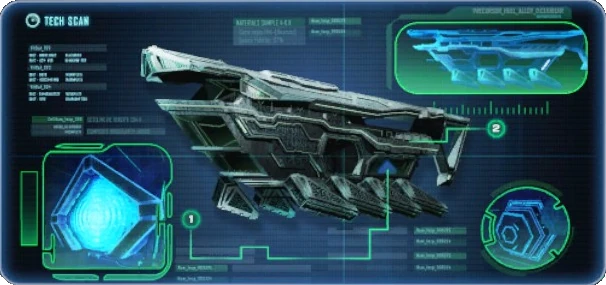
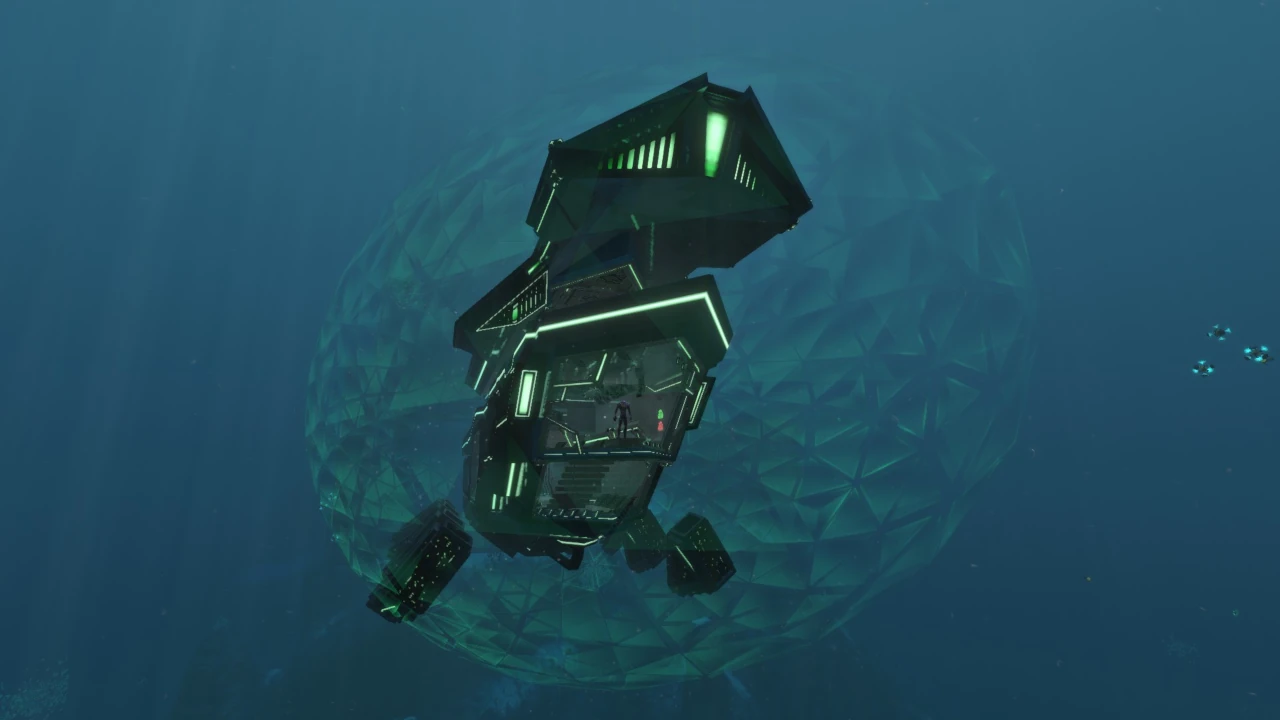
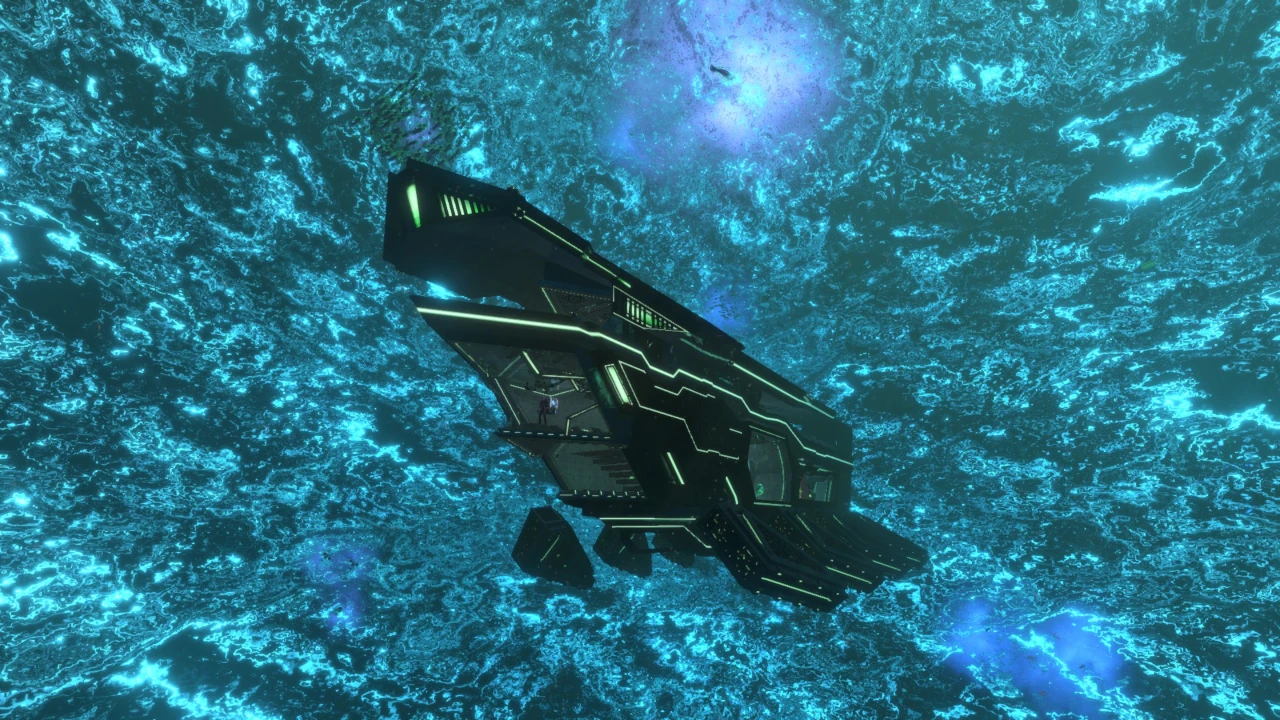
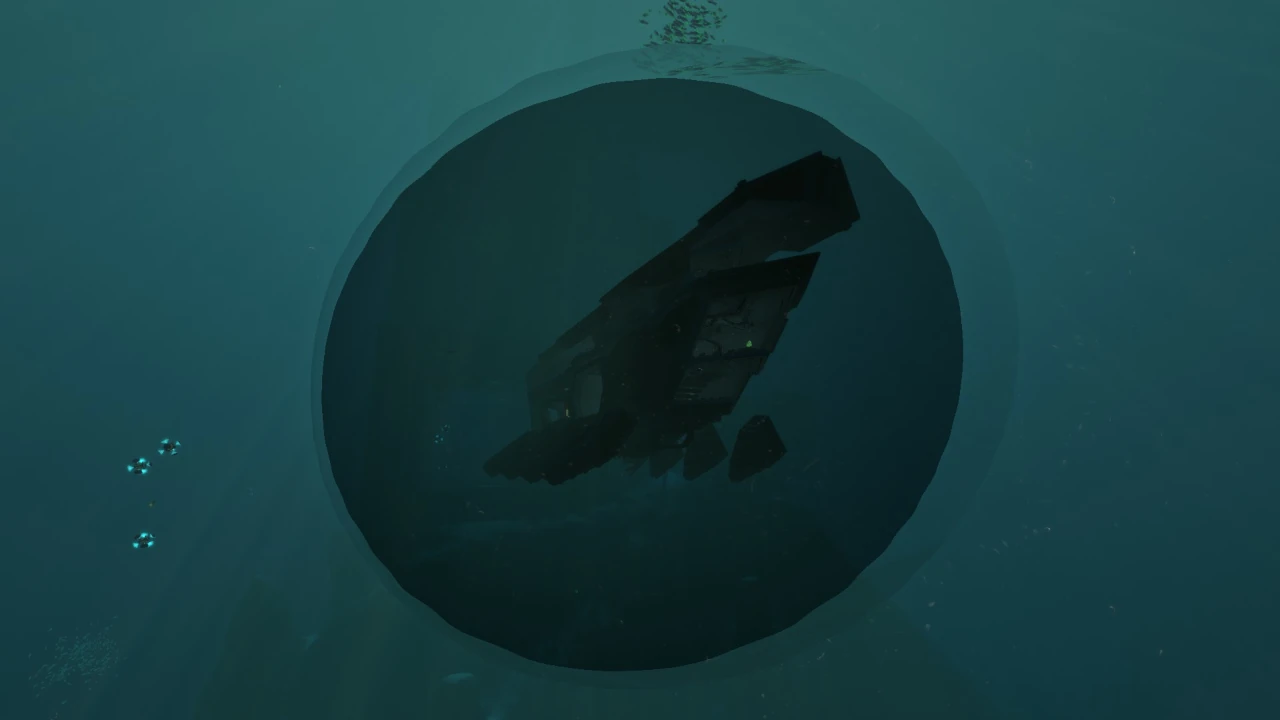
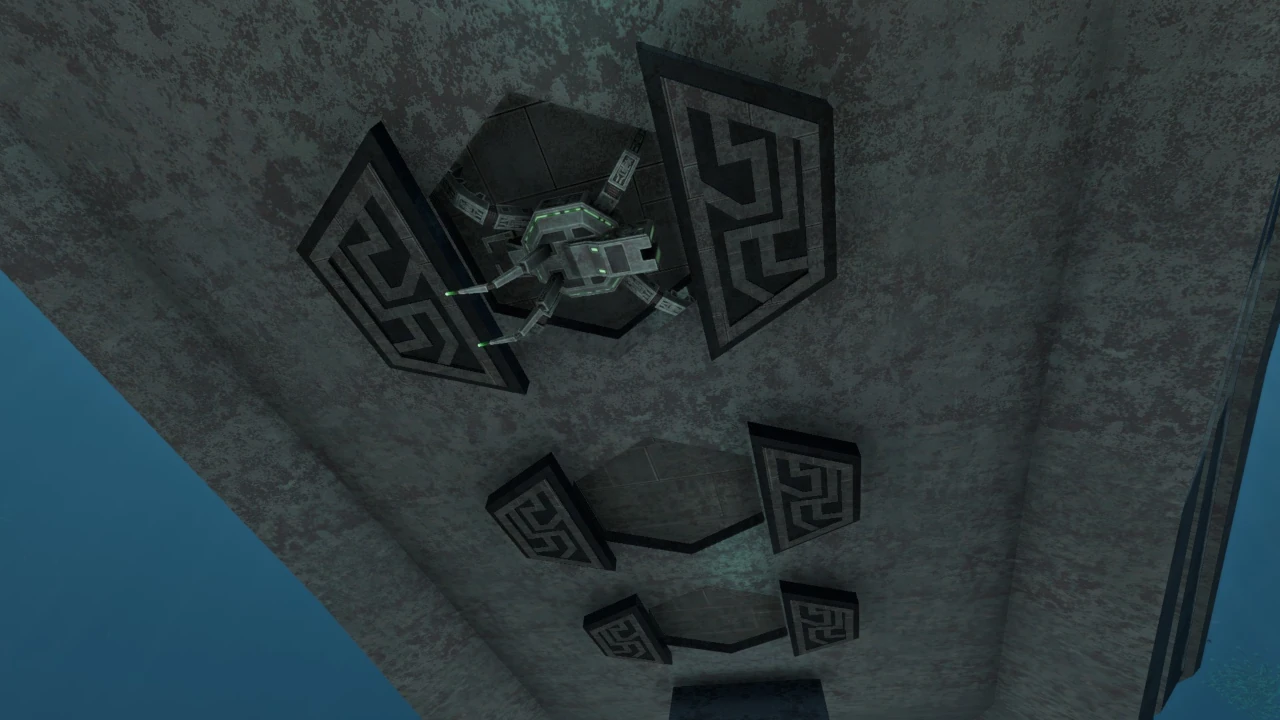
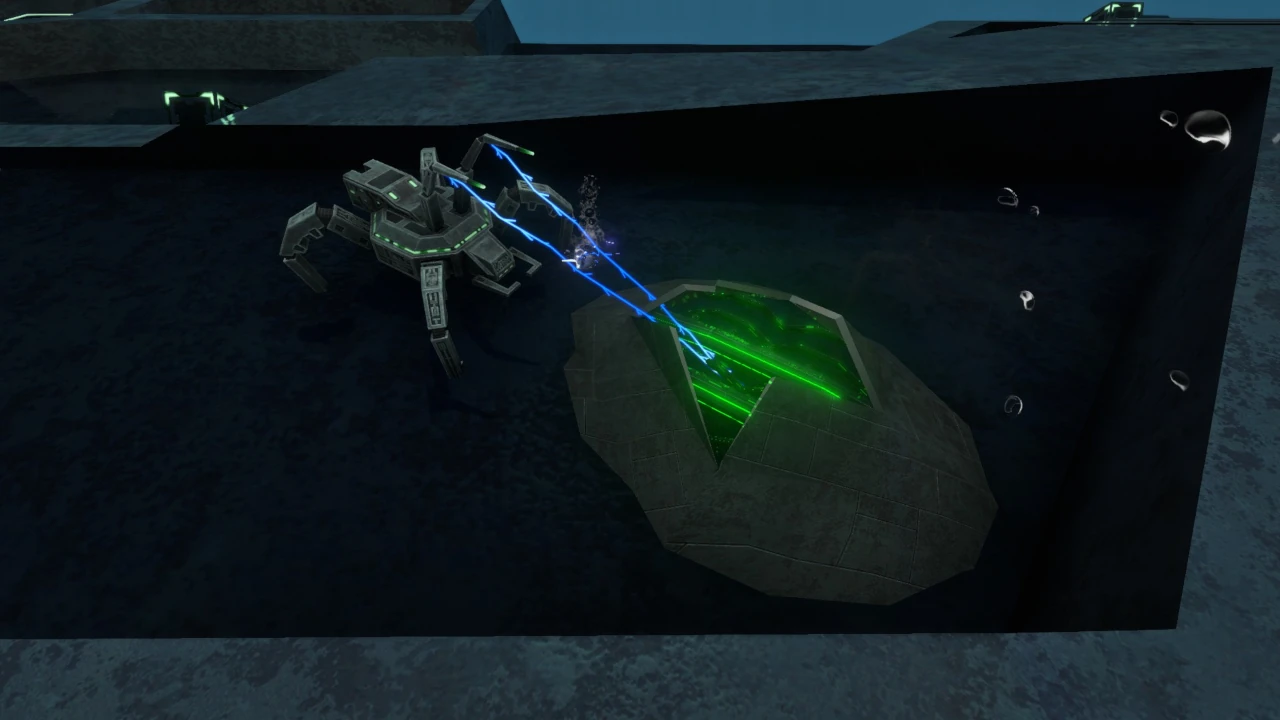
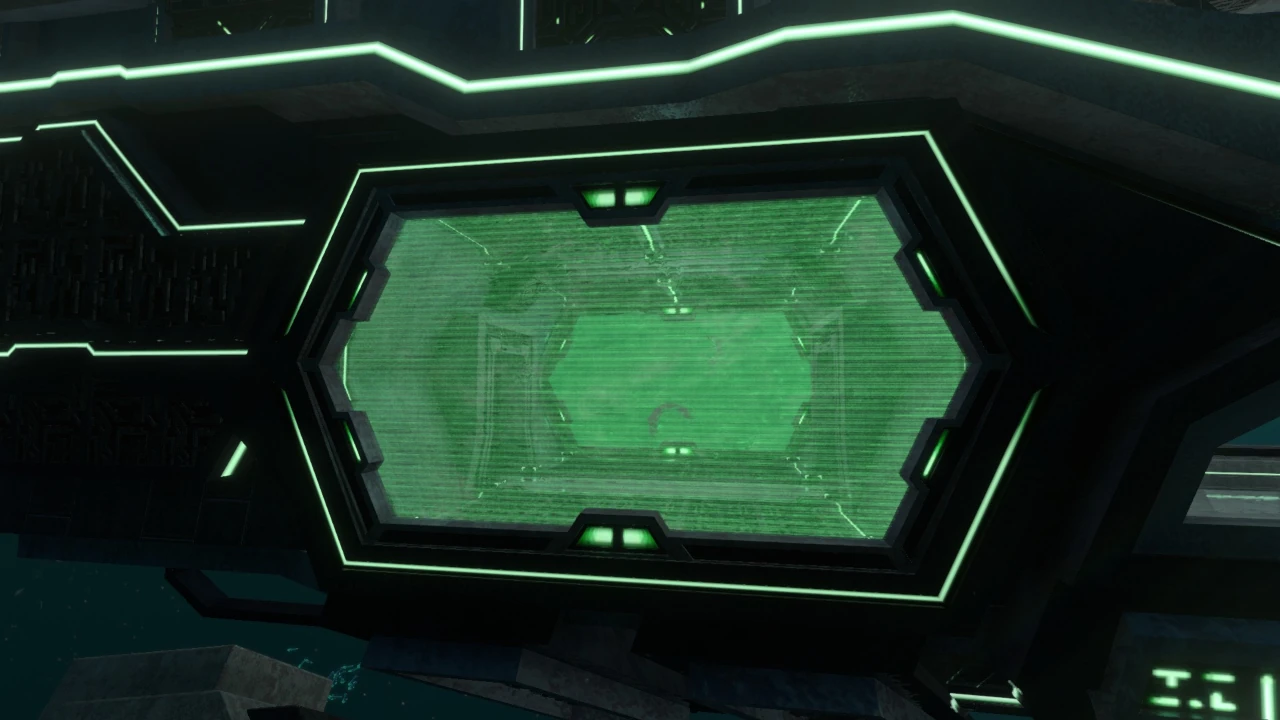
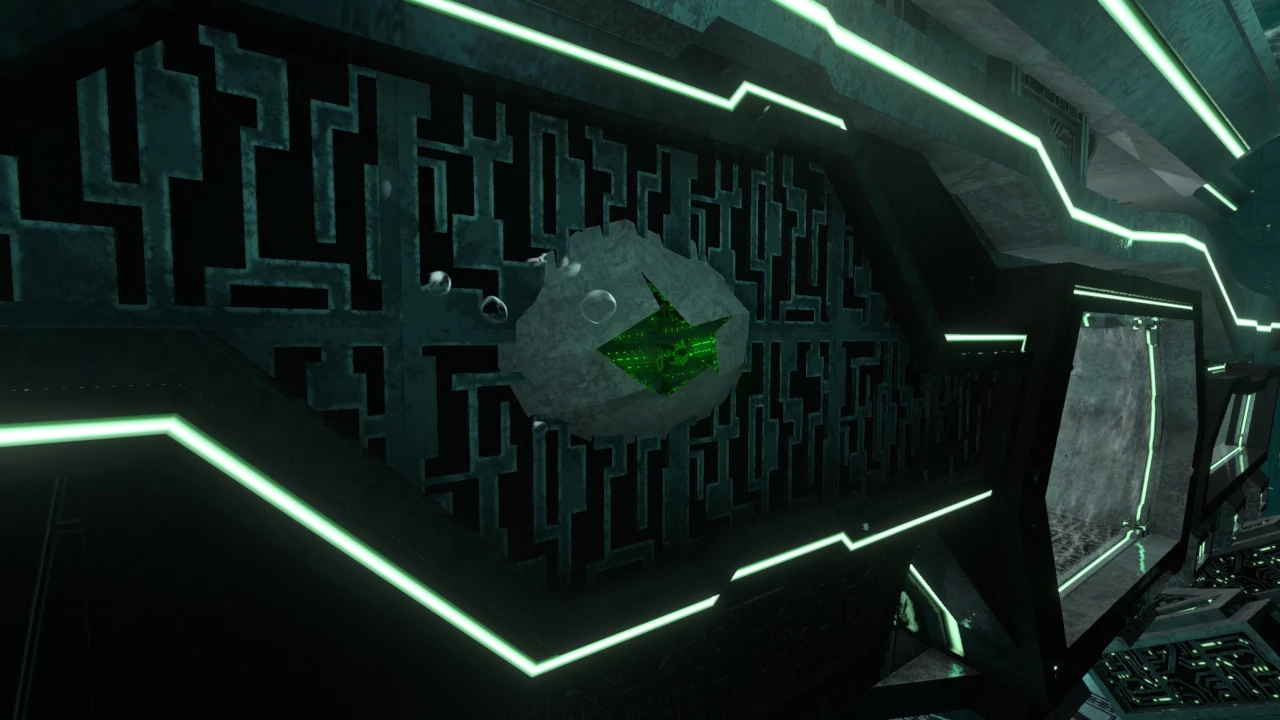
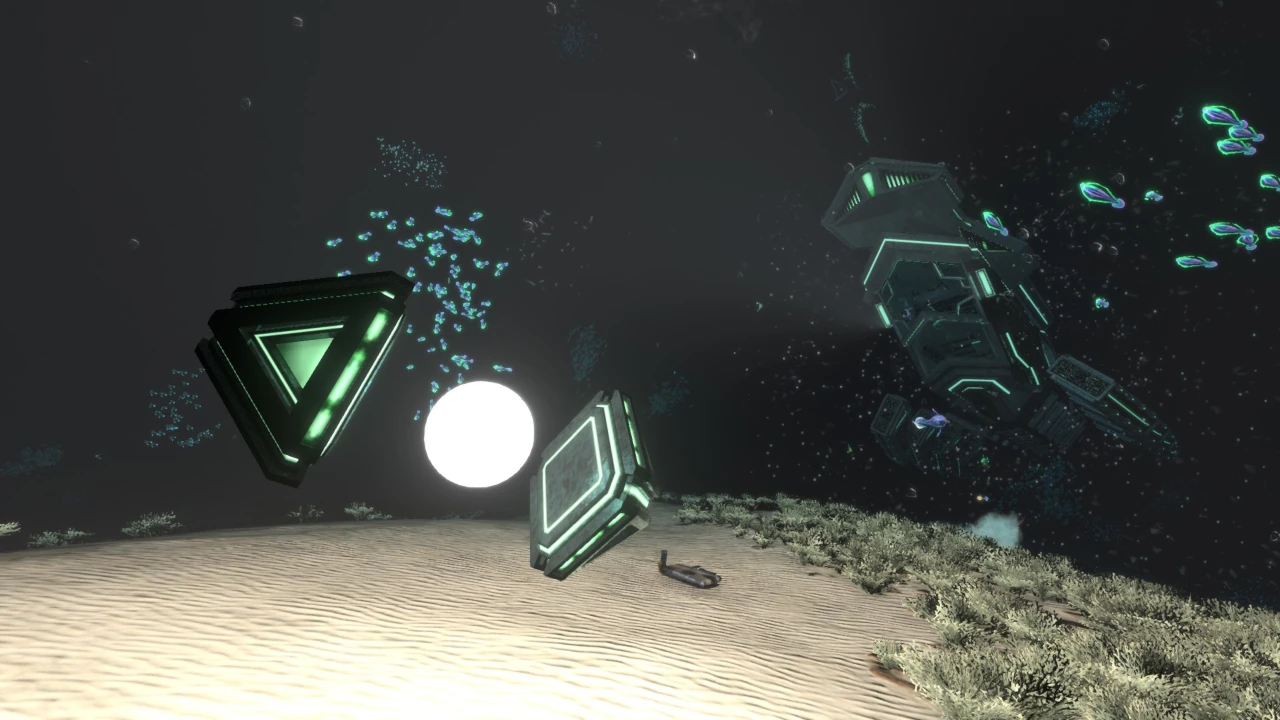
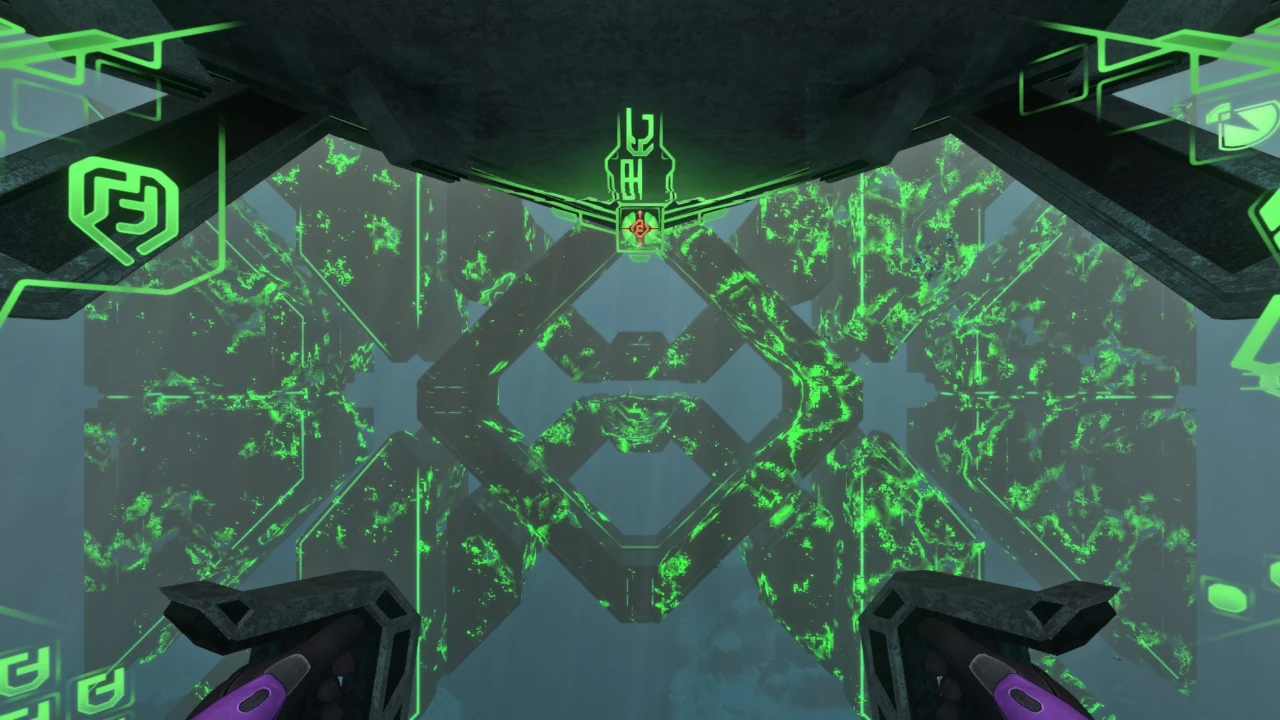
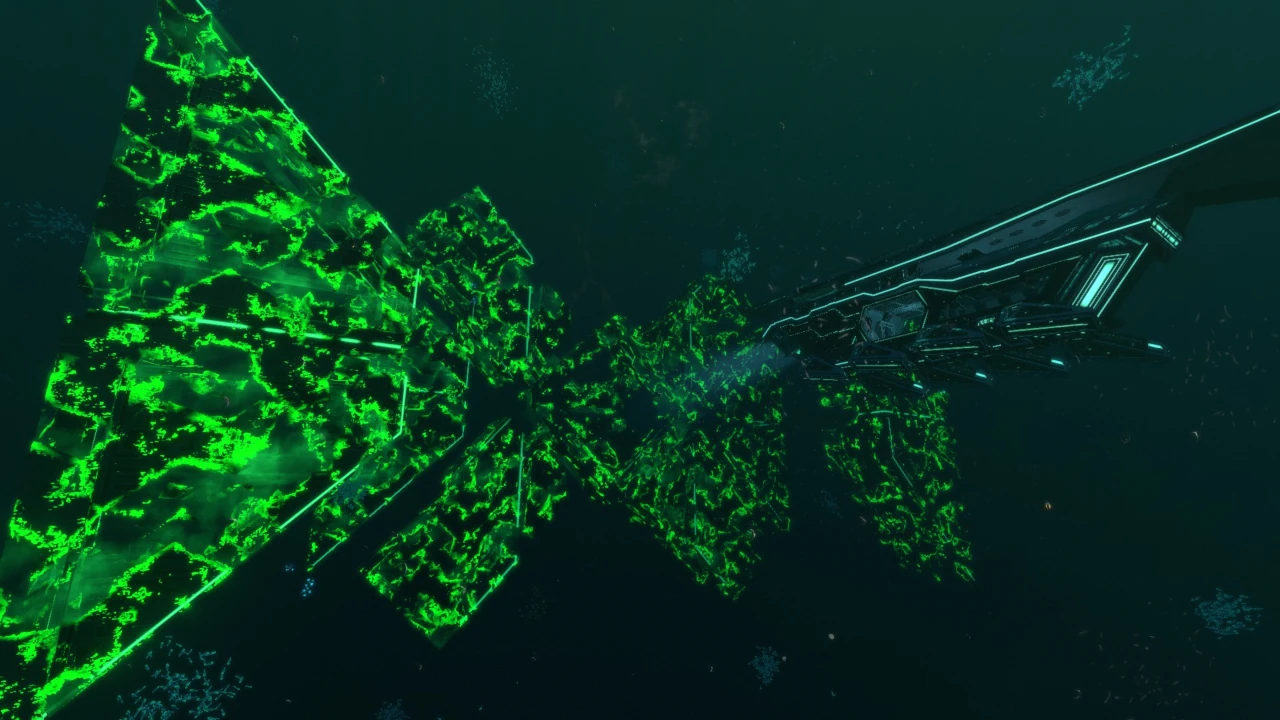
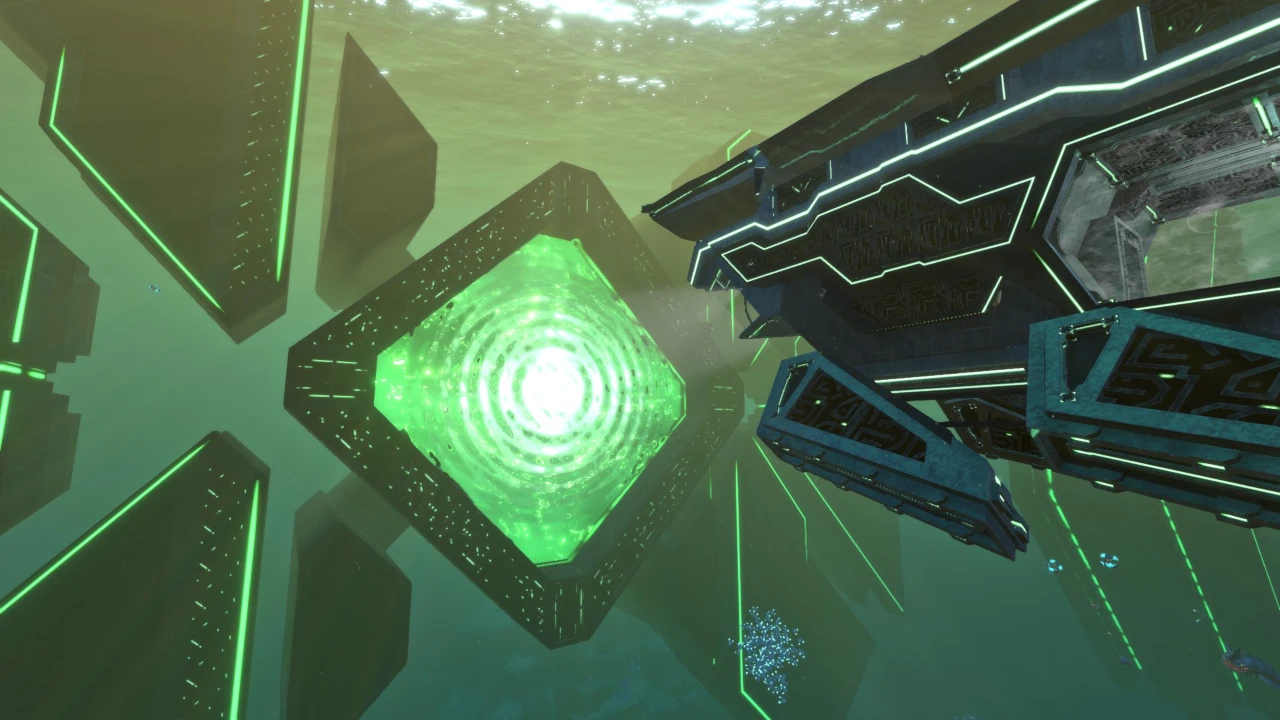
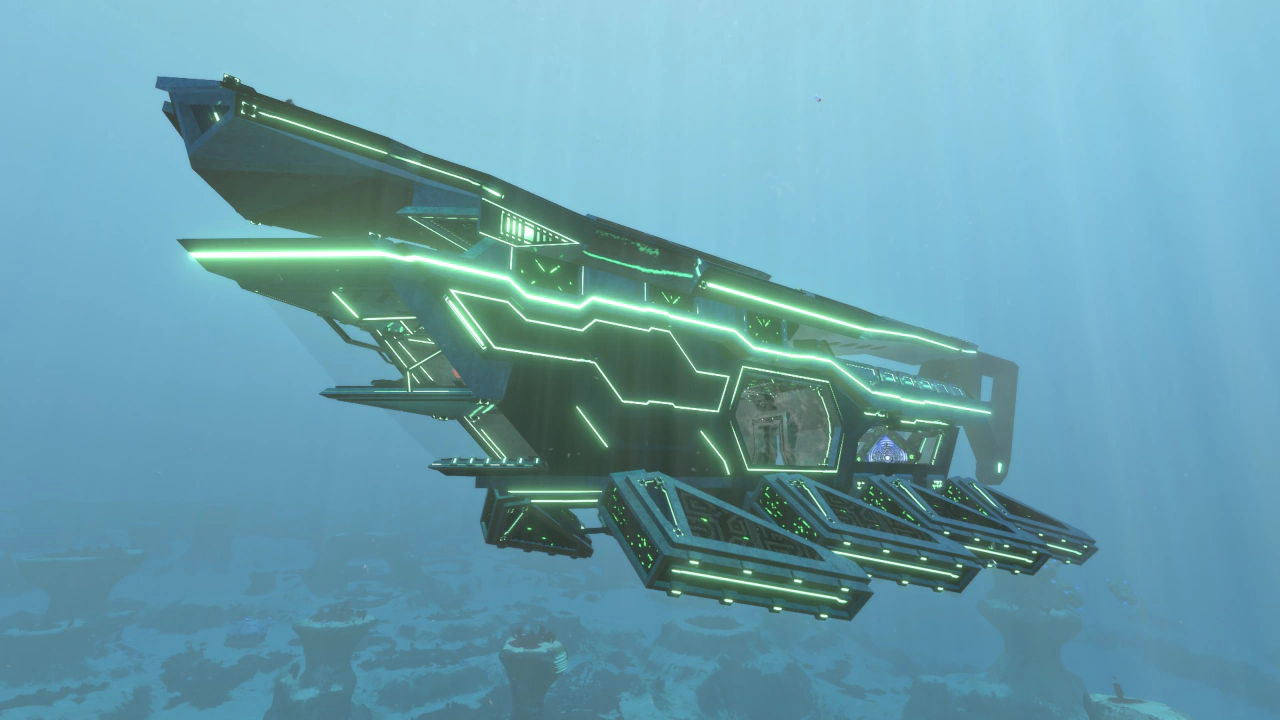
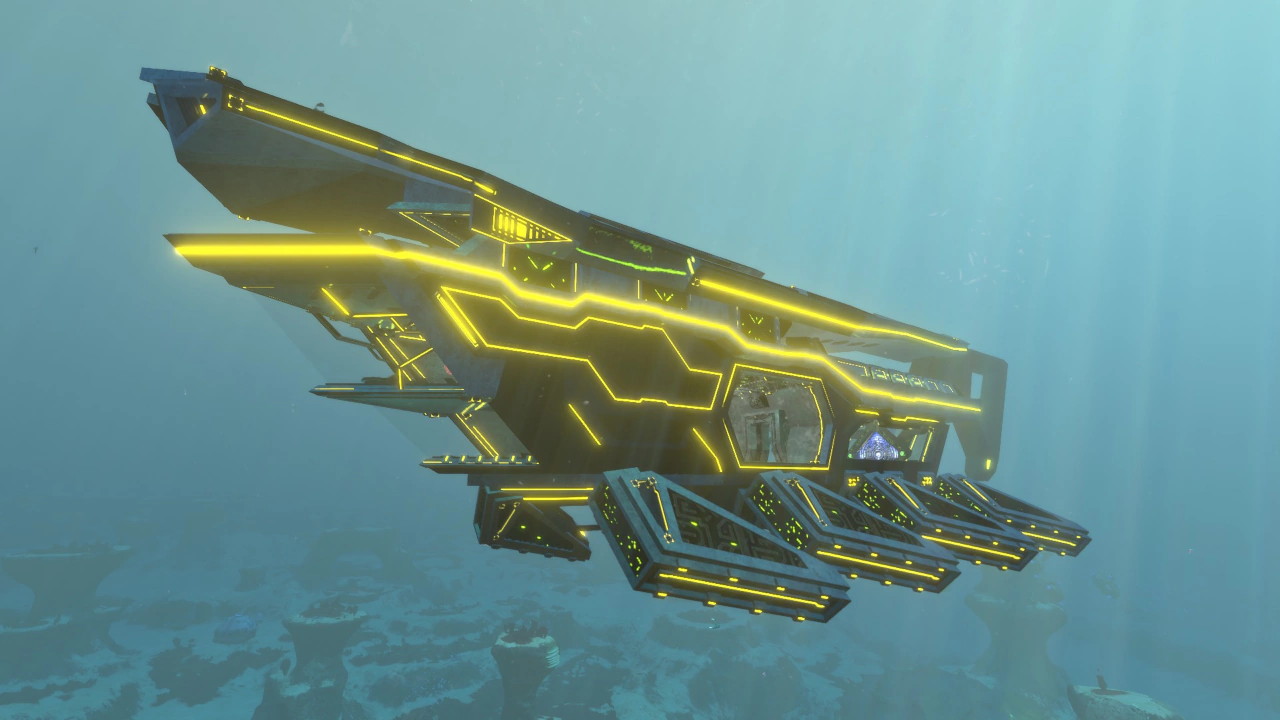
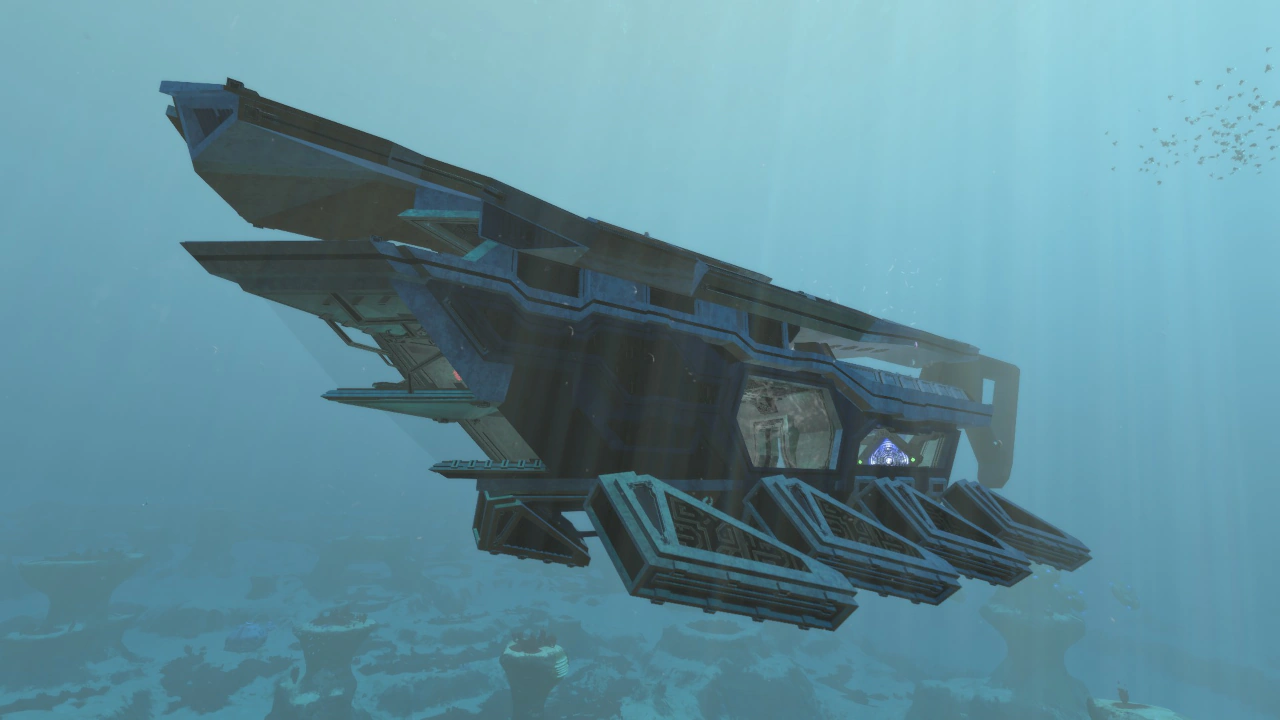
プロトタイプ潜水艦

Prototype Sub

プロトタイプ潜水艦 / Prototype Sub

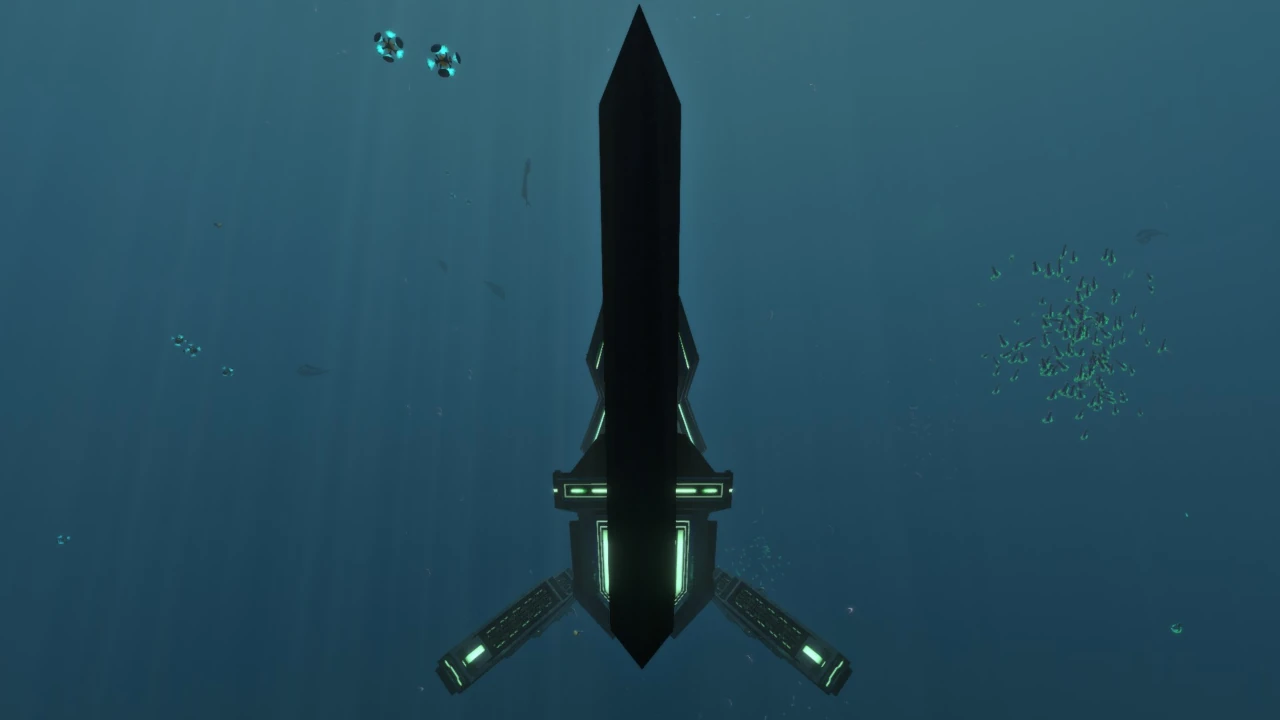
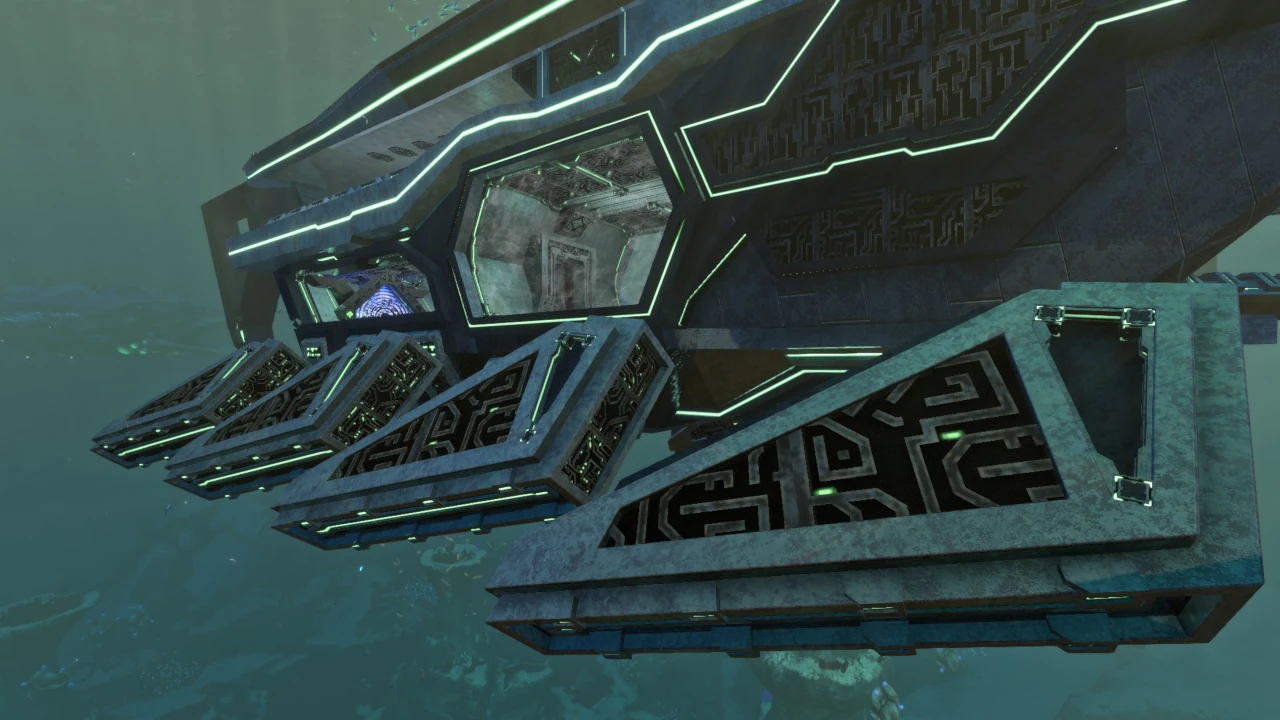
「大深度での地形調査を目的とした、大型かつ高強度の潜水艦」

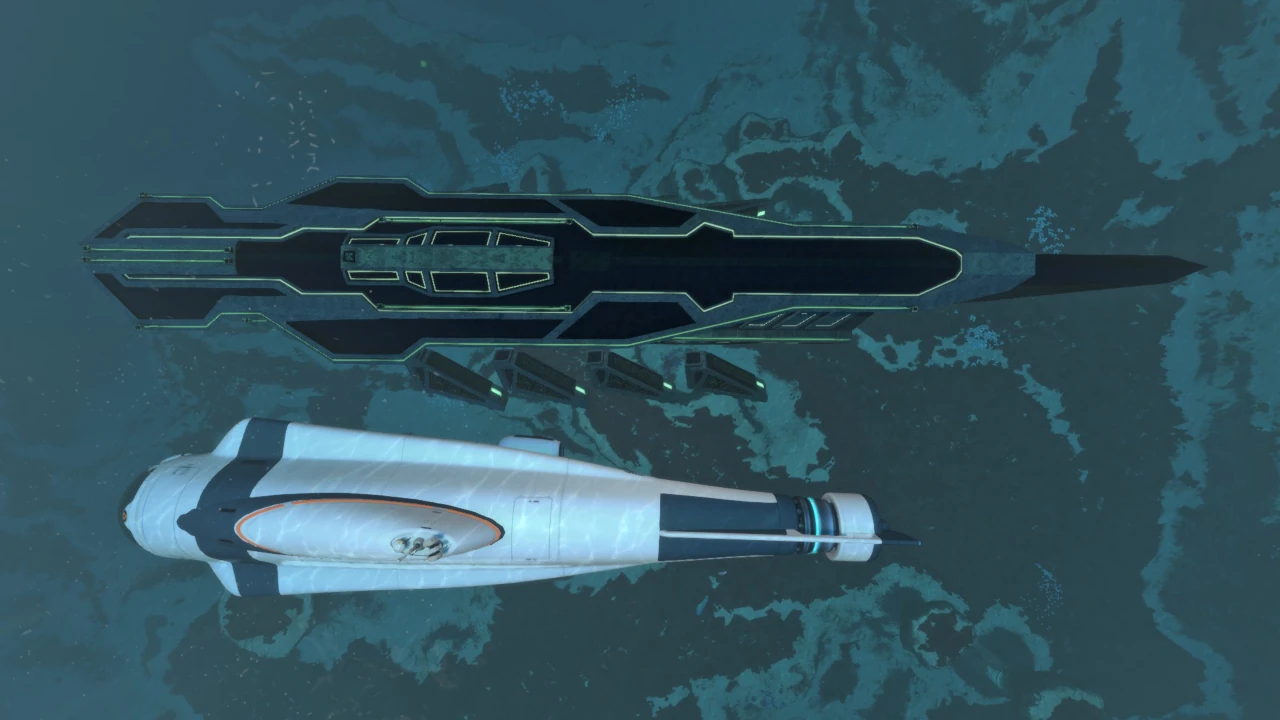
サイズ:70m × 20m × 30m

耐久値:3,000

耐圧深度:600m(標準)
     2,200m(最大強化)
     (深度最適化装置)

出典MOD:
The Prototype Expansion

“A large, highly robust sub-aquatic vessel designed to collect geographical data at great depths.”

Dimensions: 70m × 20m × 30m

Hull Integrity: 3,000

Crush Depth: 600m (default)
       2,200m (fully upgraded)
       (Depth Optimizers)

Source MOD:
The Prototype Expansion

“Vessel construction completed. Dead zone mapping initiative resumed.”

「艦の建造完了。デッドゾーン・マッピング計画を再開。」

“User detected. Primary systems active.”

「ユーザーを確認。主要システム稼働中。」

PDAデータバンクPDA Databank

PDA entry for Prototype Sub

本端末より、大深度での地形調査を目的とした、大型かつ高強度の潜水艦の設計データを確認。複数の基幹機能が欠落している模様。

設計図の概要:
- 基本耐圧深度600メートル
- 人類のソナー装置に類似した地形スキャン技術
- 艦体中枢部に存在する大きな侵入痕(外装設計図の破損を示唆)
- 使用可能な3層構造の内部空間
- 各種単発使用装置を展開する発進ベイ
- イオンエネルギーを蓄積・制御可能な高度融合炉

設計データを解析した結果、各地の異星人の端末とリンクすることで、耐圧深度、航行速度、および特殊能力のアップグレードが可能と推測される。アルテラ社は、潜在的に危険な異星人の技術を安全に回収するため、本データを最寄りのトランス・ガブ指定のデータ端末へ直ちにアップロードすることを推奨する――

┛▖▛▚┣┅ プロトコル起動。データストリームを遮断。

The data transmitted from this terminal outlines schematics for a large, highly robust sub-aquatic vessel used to collect geographical data from bodies of water at great depths. Evidence suggests that the vessel is missing several of its core functions.

Schematic description:
- Default crush depth of 600 meters
- Terrain-scanning technology somewhat resembling human sonar equipment
- A large intrusion at the vessel’s core, potentially indicating corrupted exterior schematics
- Three floors of usable interior space
- A launch bay used to deploy various single-use devices
- A highly advanced fusion reactor capable of storing and routing ion energy

Based on these schematics, it may be possible to assemble upgrades that improve the vessel’s crush depth, speed, and unique abilities by interacting with other alien data terminals. The Alterra Corporation advises that this data be uploaded immediately to the nearest trans-gov mandated data terminal to ensure the safe collection of all potentially dangerous alien da—

┛▖▛▚┣┅ Protocols activated. Severing data stream.


出典: ゲーム内PDAスキャン「プロトタイプ潜水艦設計図」

概要 / Overview

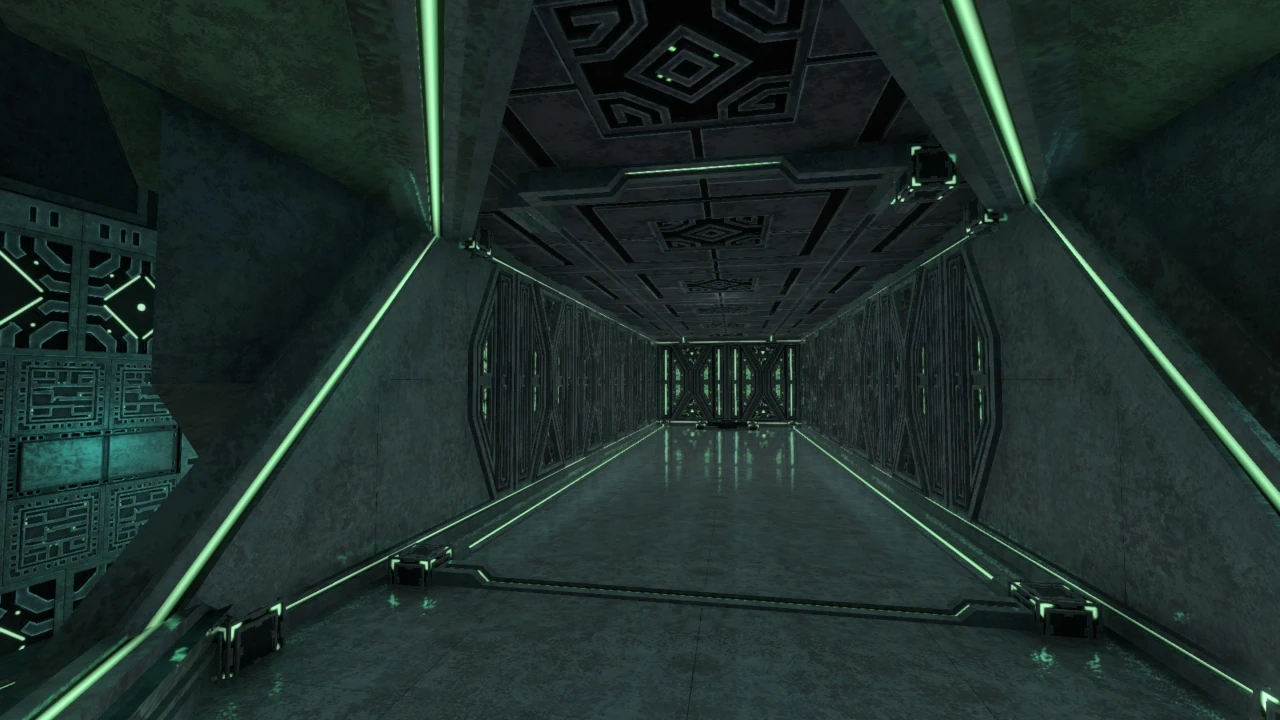
かつて惑星4546Bにおいて、カラー細菌の研究を行っていた異星人によって開発された、未知のテクノロジーを秘めた大型潜水艦。
『The Prototype Expansion』の中核を成す存在であり、単なる新たな乗り物にとどまらず、本MODのストーリー進行においても重要な役割を担う。

Once developed by the alien species that researched the Kharaa bacterium on planet 4546B, the Prototype is a large submarine containing unknown technology. It is the central feature of The Prototype Expansion and serves not merely as a new vehicle, but as a key element in the MOD’s story progression.

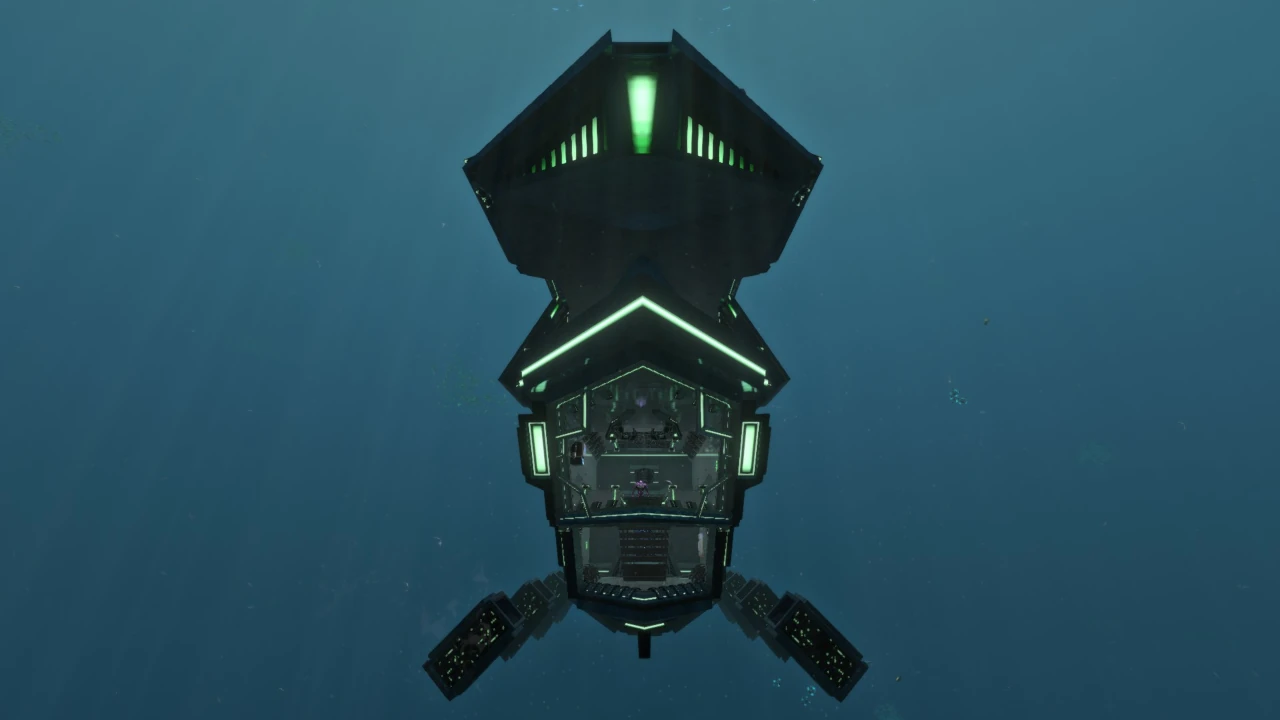
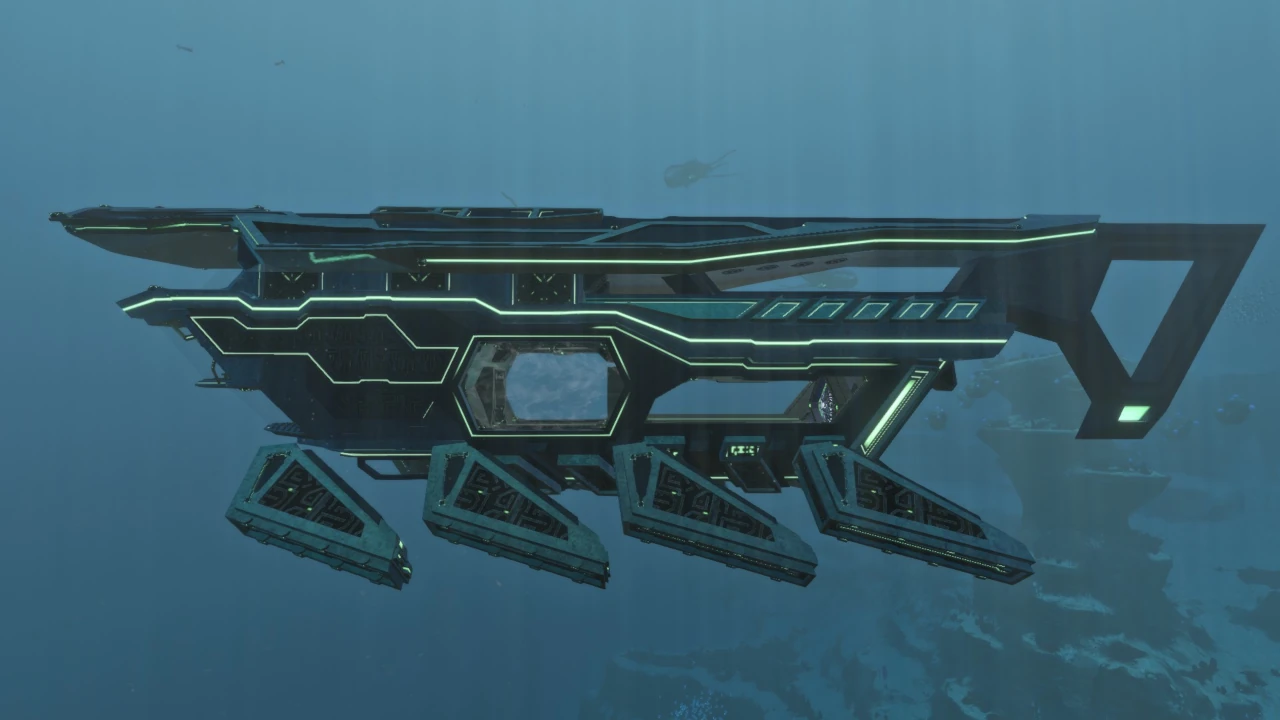
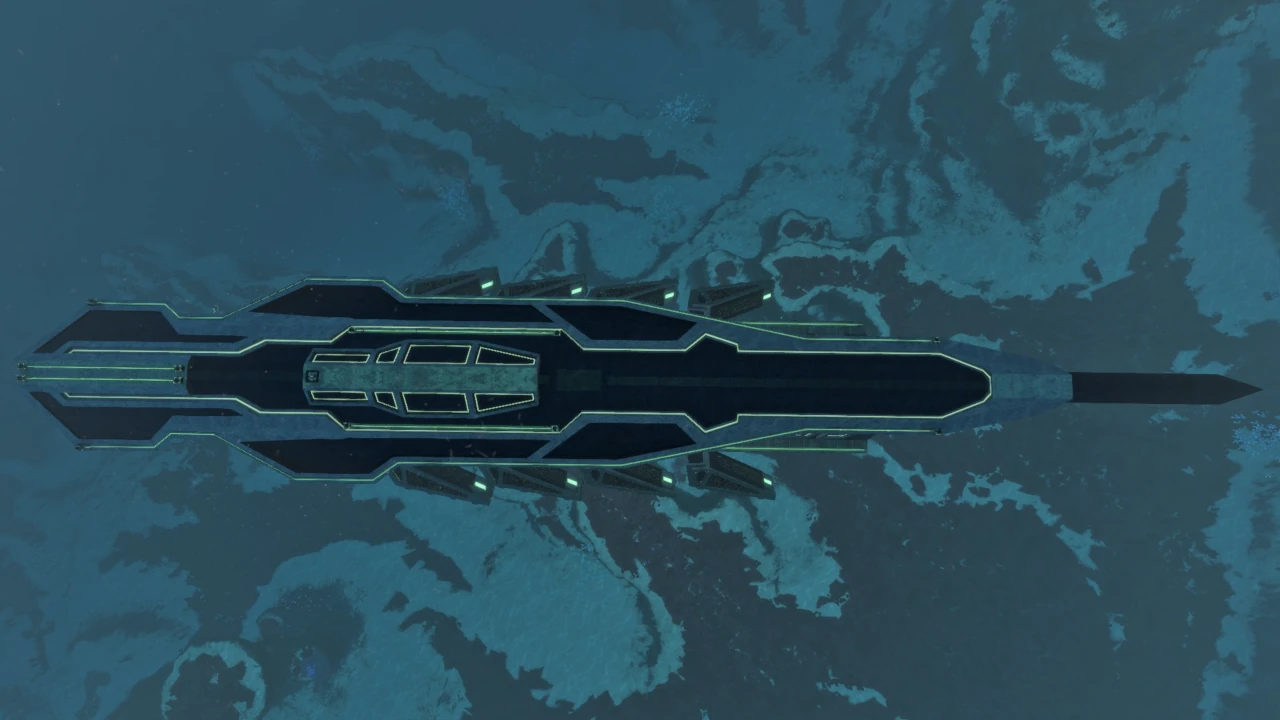
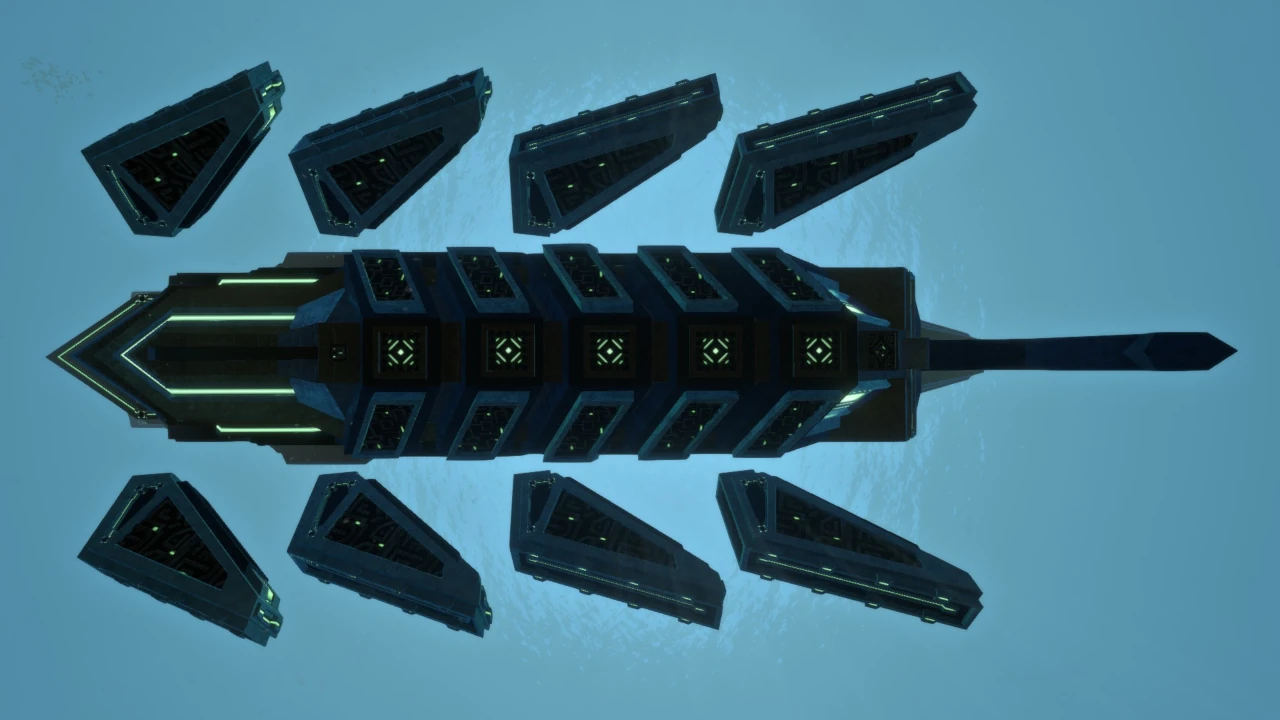
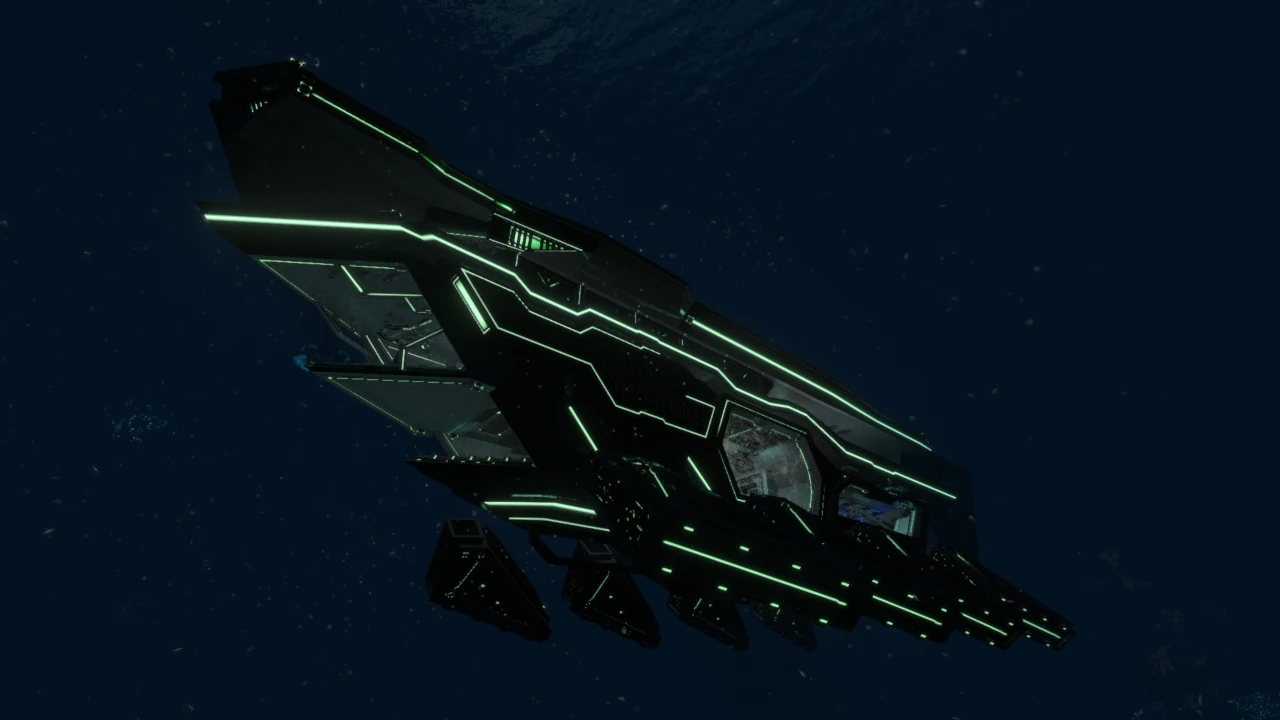
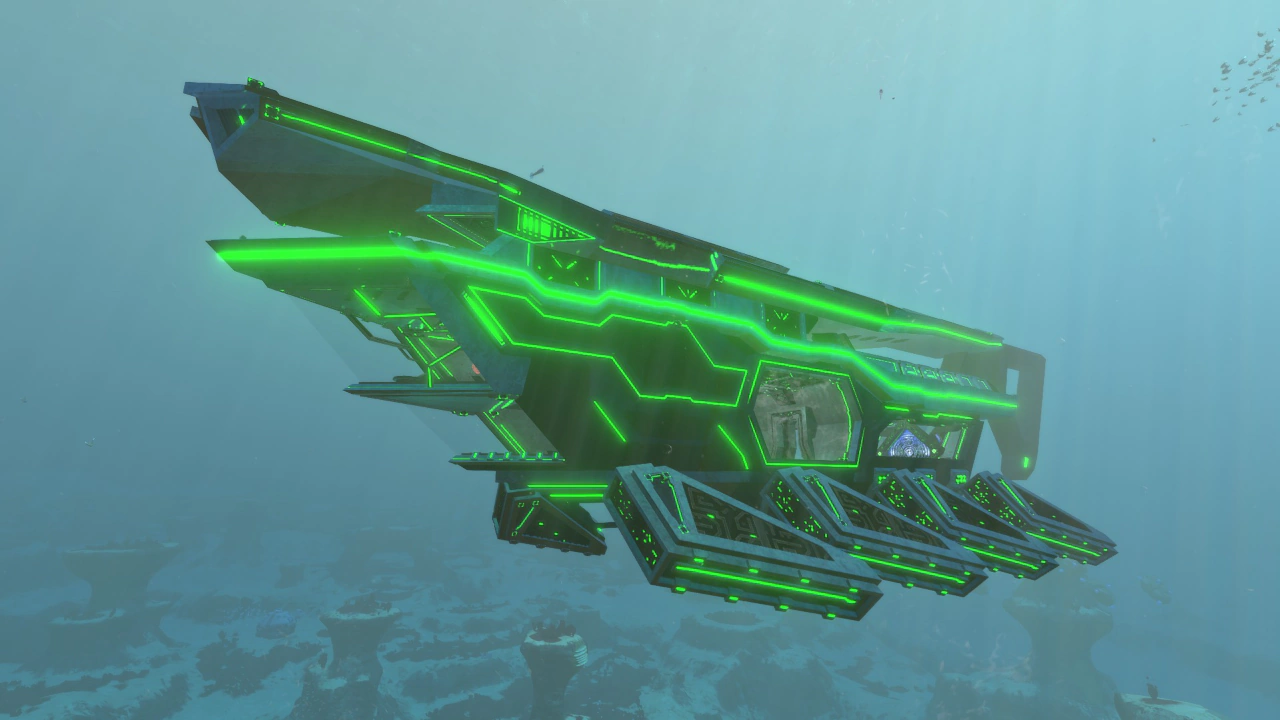
異星人の構造物に共通するグリーンを基調とした幾何学的デザインに加え、水棲生物のヒレを想起させる有機的な推進装置〈フィン〉を備えるなど、人工物と生体的デザインが融合した、極めて特徴的なシルエットを形成している。

Its silhouette combines the geometric, green-lit design shared by alien structures with organic propulsion devices resembling the fins of aquatic organisms, producing a highly distinctive fusion of artificial and biological aesthetics.

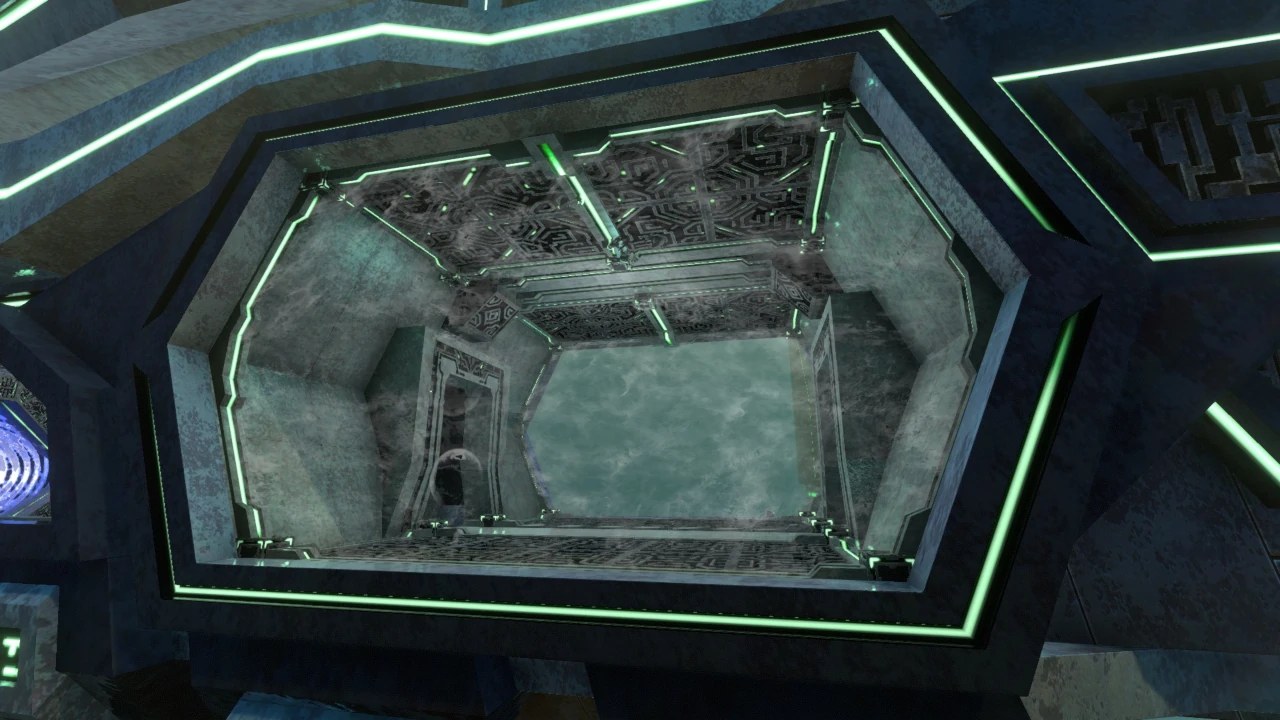
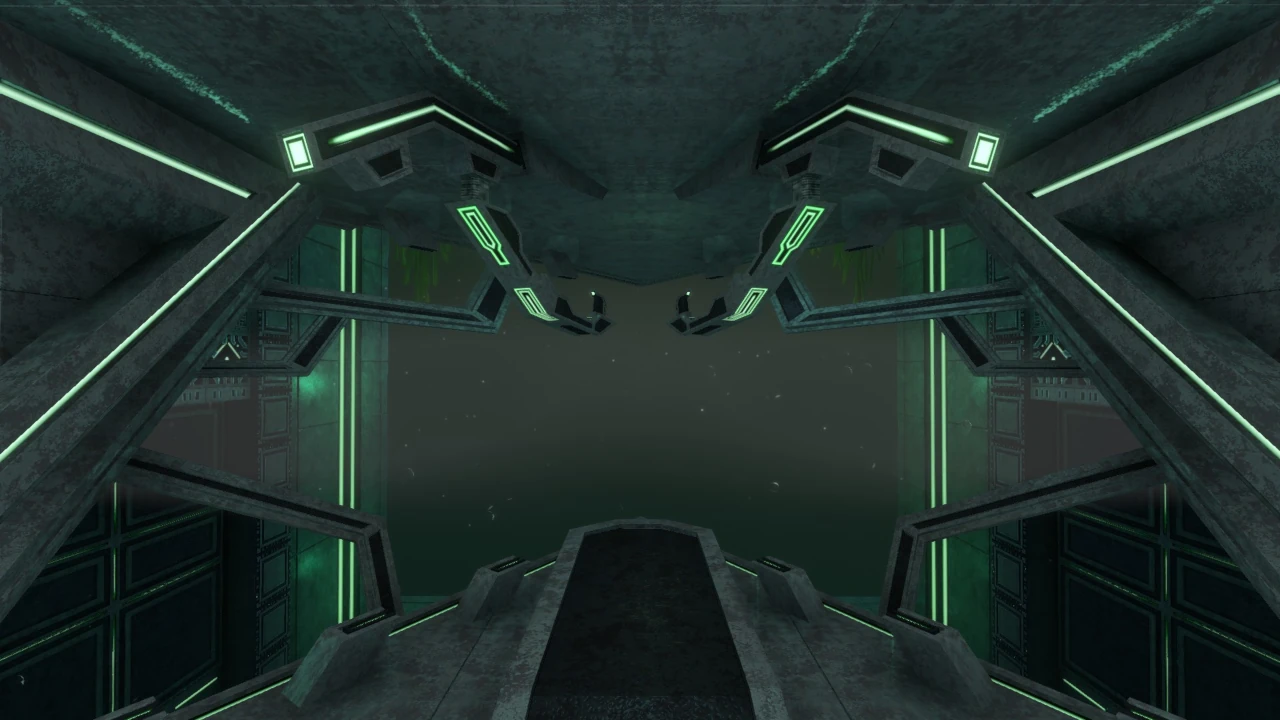
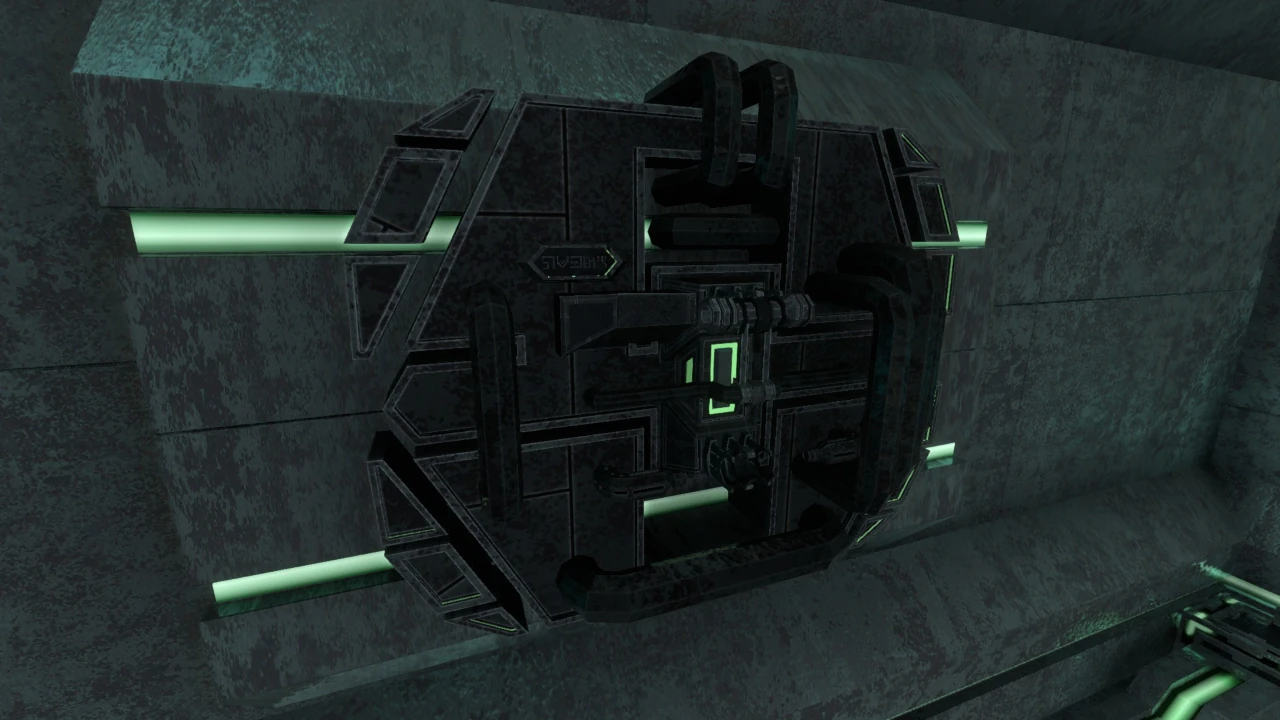
本艦の最大の特徴は、艦体両側面に設けられた開放型侵入口である。艦体を貫く巨大な空洞は、一見すると致命的な損傷にも見える異様な外観を呈している。異星人施設の出入口と同様、内部への水の流入はエネルギーフィールドによって遮断されており、乗降はこの侵入口から行う。

The vessel’s most striking feature is the pair of open ingress points along both sides of the hull. These enormous openings pass directly through the vessel and appear at first glance to be catastrophic damage. As with entrances found in alien facilities, energy fields prevent water from flooding the interior, and the player boards through these openings.

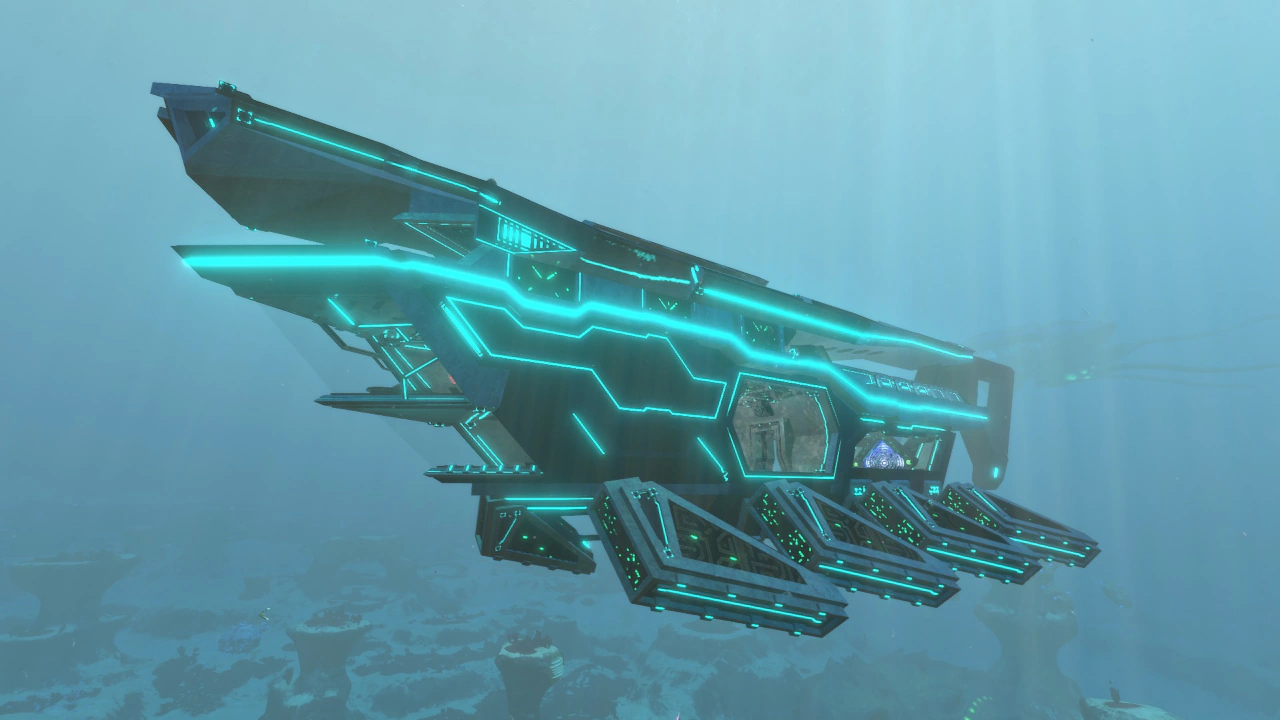
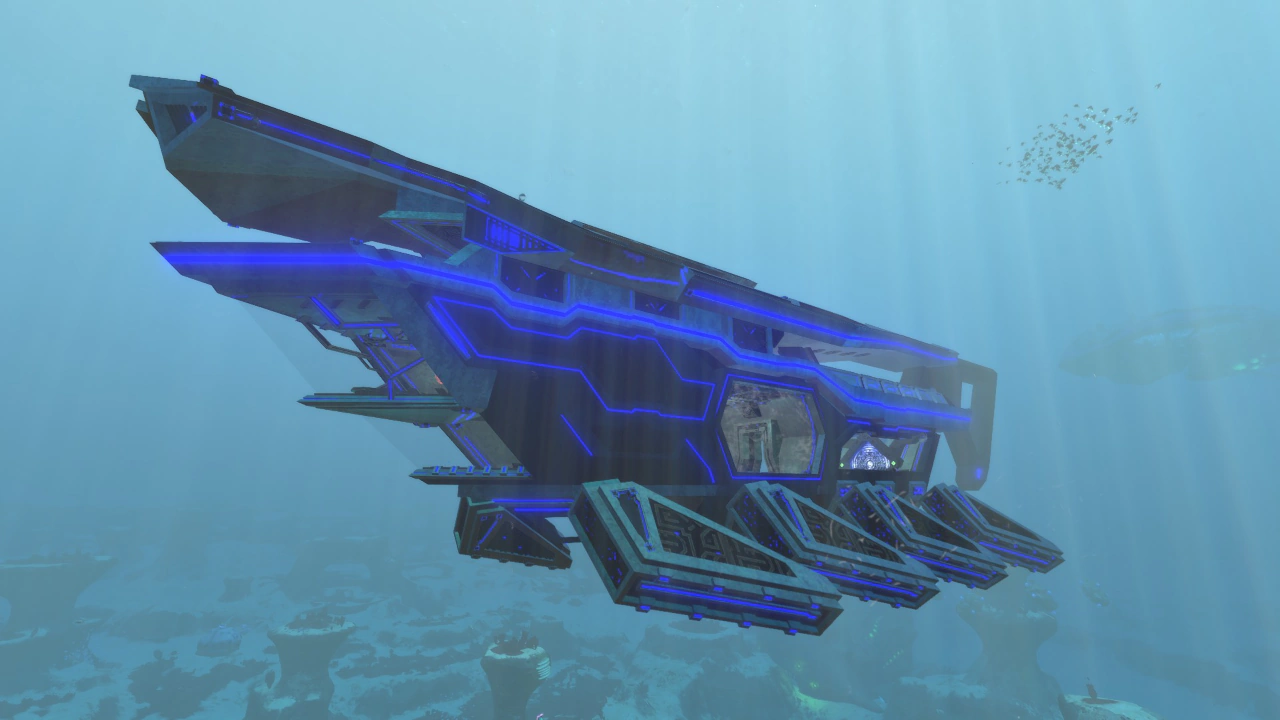
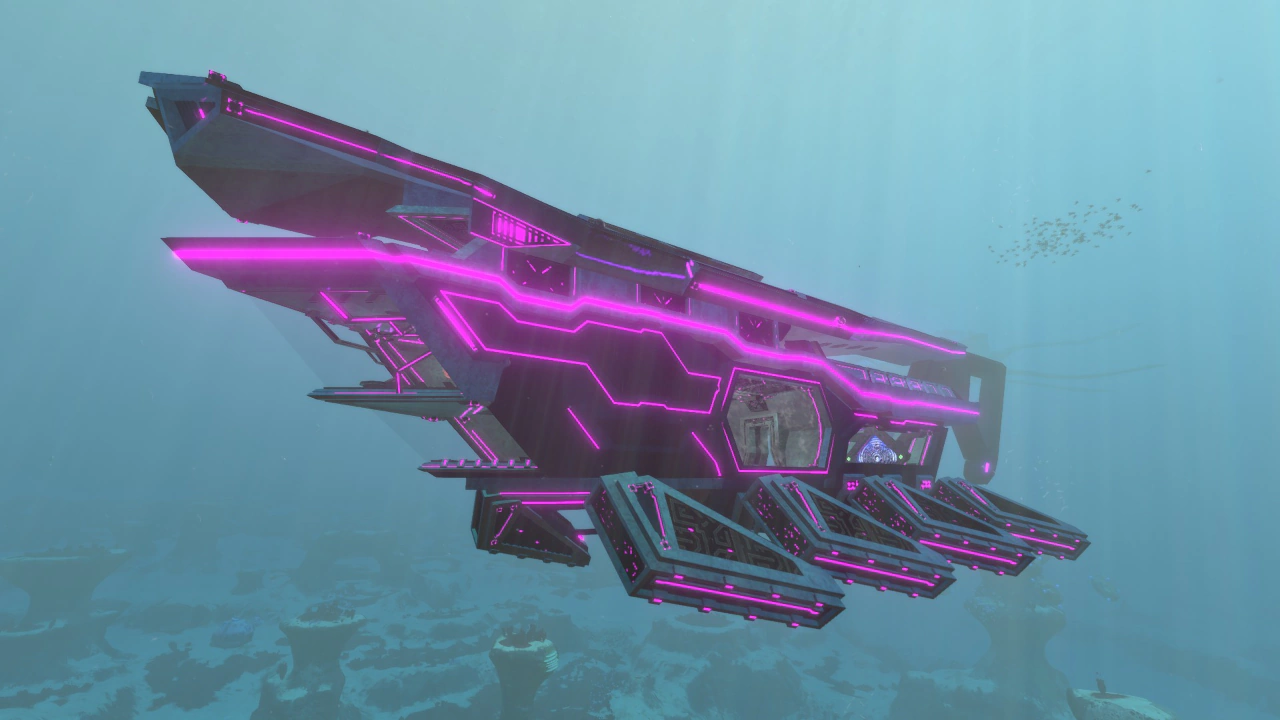
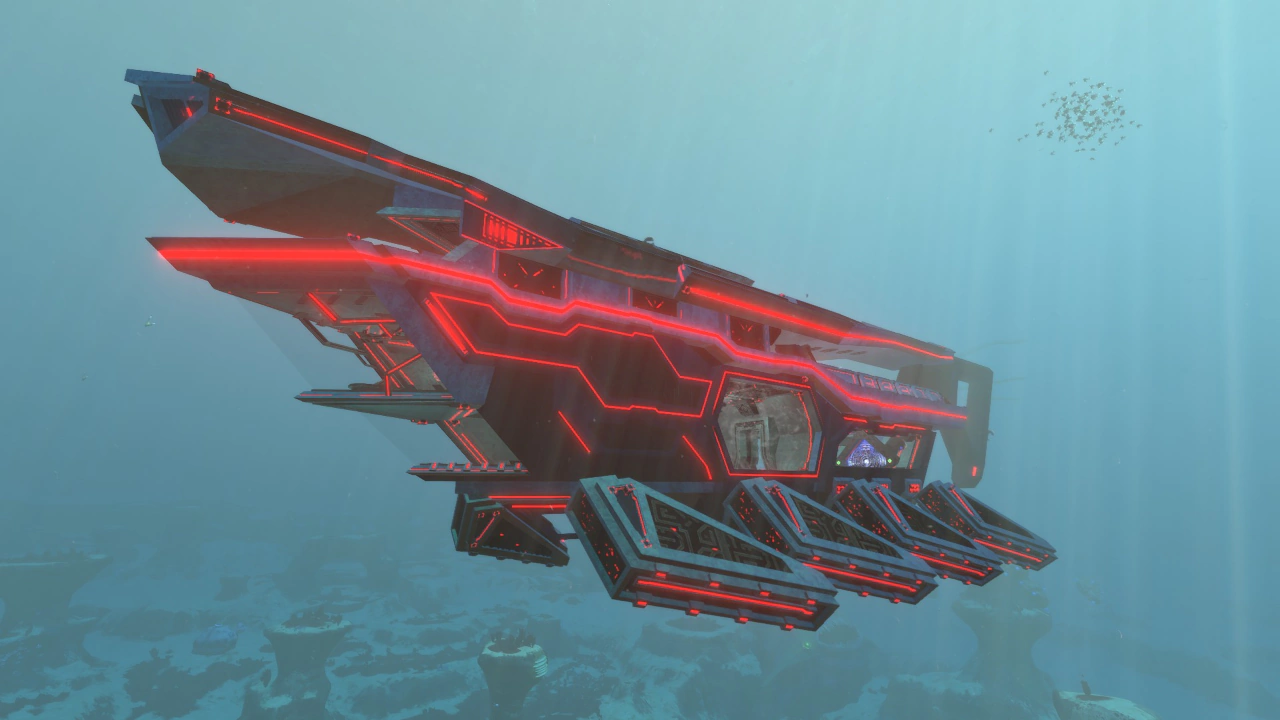
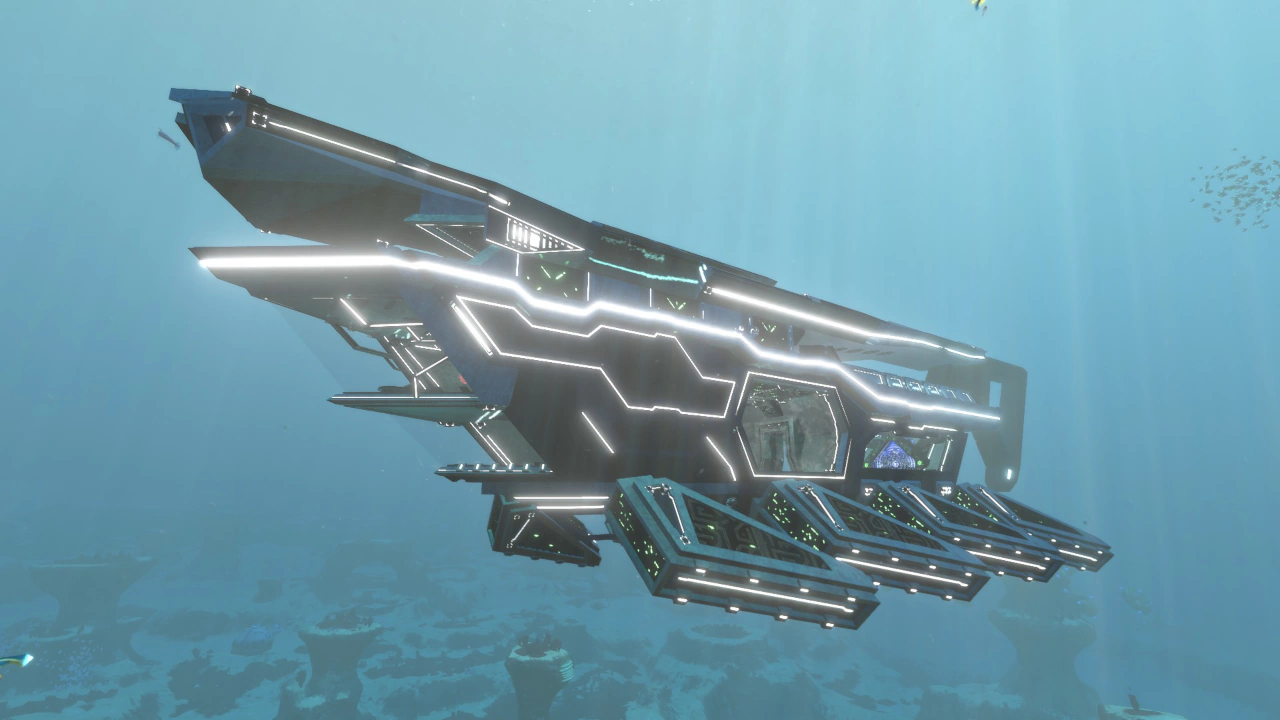
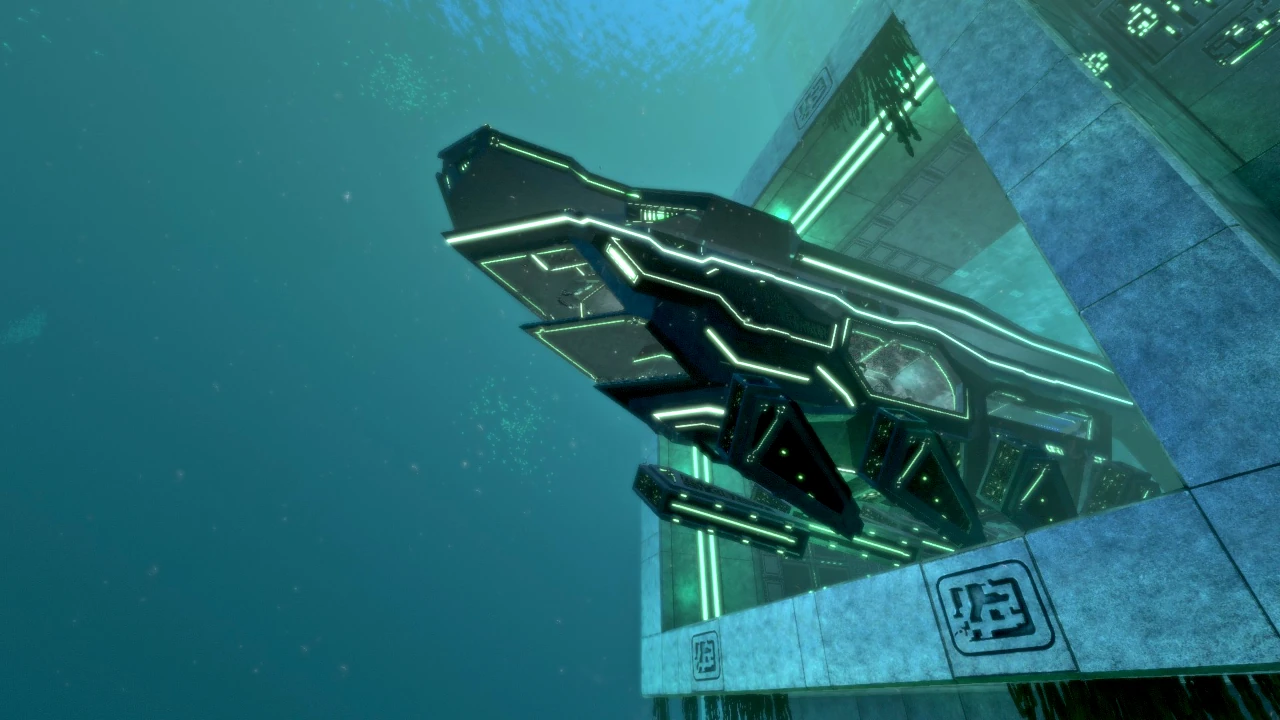
アップデートにより、イオンダイビングスーツの拡張機能「カラー・ファクター」を使用することで、船体発光色および発光強度を任意に変更できるようになった。発光色はデフォルトに加え、グリーン、シアン、ブルー、イエロー、パープル、レッド、ホワイト、ブラックの8色から選択可能である。

Following an update, the Ion Diving Suit extension “Color Factor” can be used to freely adjust the vessel’s bioluminescent color and brightness. In addition to the default setting, eight colors are available: green, cyan, blue, yellow, purple, red, white, and black.

建造素材 / Construction Materials

  • アルマナイトフレーム ×5
  • 高度配線キット ×1
  • エナメルガラス ×3
  • イオンキューブマトリクス ×1
  • コンピューターチップ ×1
  • Almanite Framework ×5
  • Advanced Wiring Kit ×1
  • Enameled Glass ×3
  • Ion Cube Matrix ×1
  • Computer Chip ×1

構造 / Structure

本艦の内部は、大きく分けて3つの区画で構成されている。

・侵入口および操縦室を含む〈主要区画〉
・イオンリアクターと燃料投入口を備えた〈エンジンルーム〉
・機能的役割を持たない広大な〈居住区画〉

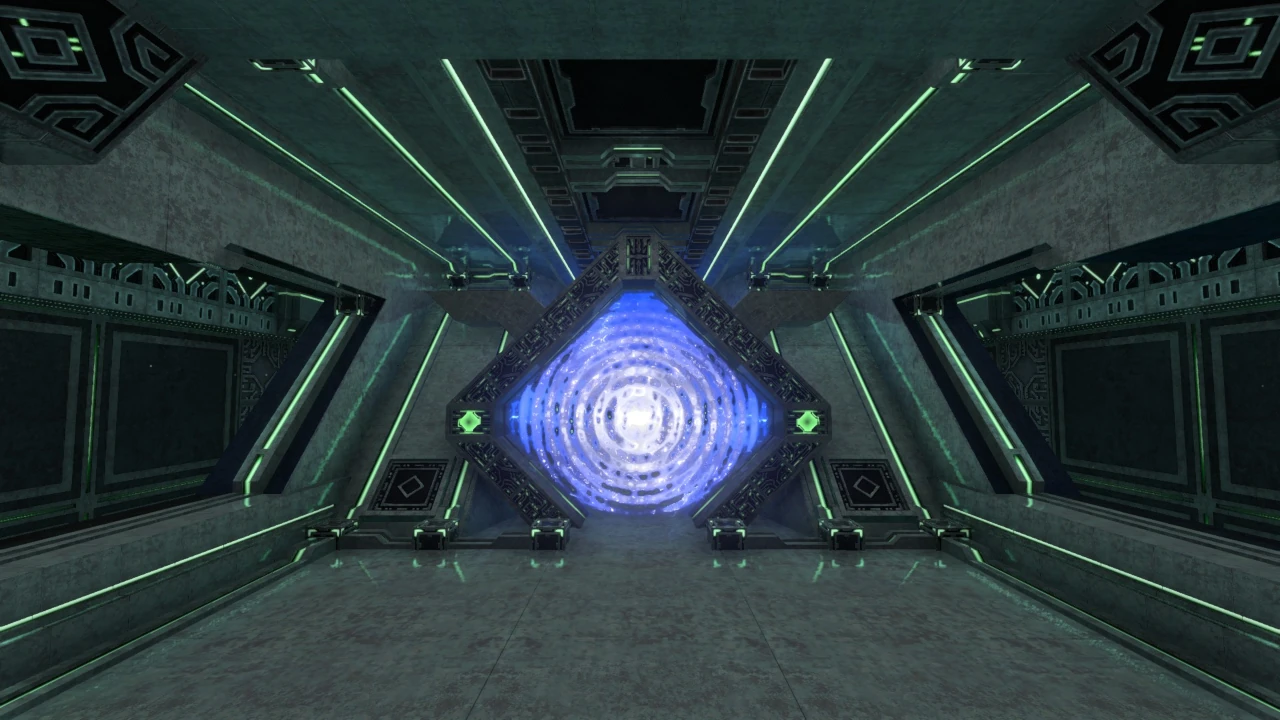
これらの区画は物理的には接続されておらず、艦内に設置されたワープパッドを介した短距離テレポーテーションによって移動する構造となっている。

The vessel’s interior is divided into three main areas:

・The main section, containing the ingress points and bridge
・The Engine Room, containing the ion reactor and fuel intake
・The spacious living quarters, which currently have no dedicated mechanical function

These areas are not physically connected. Movement between them is accomplished through short-range teleportation using warp pads installed throughout the vessel.

主要区画Main Section

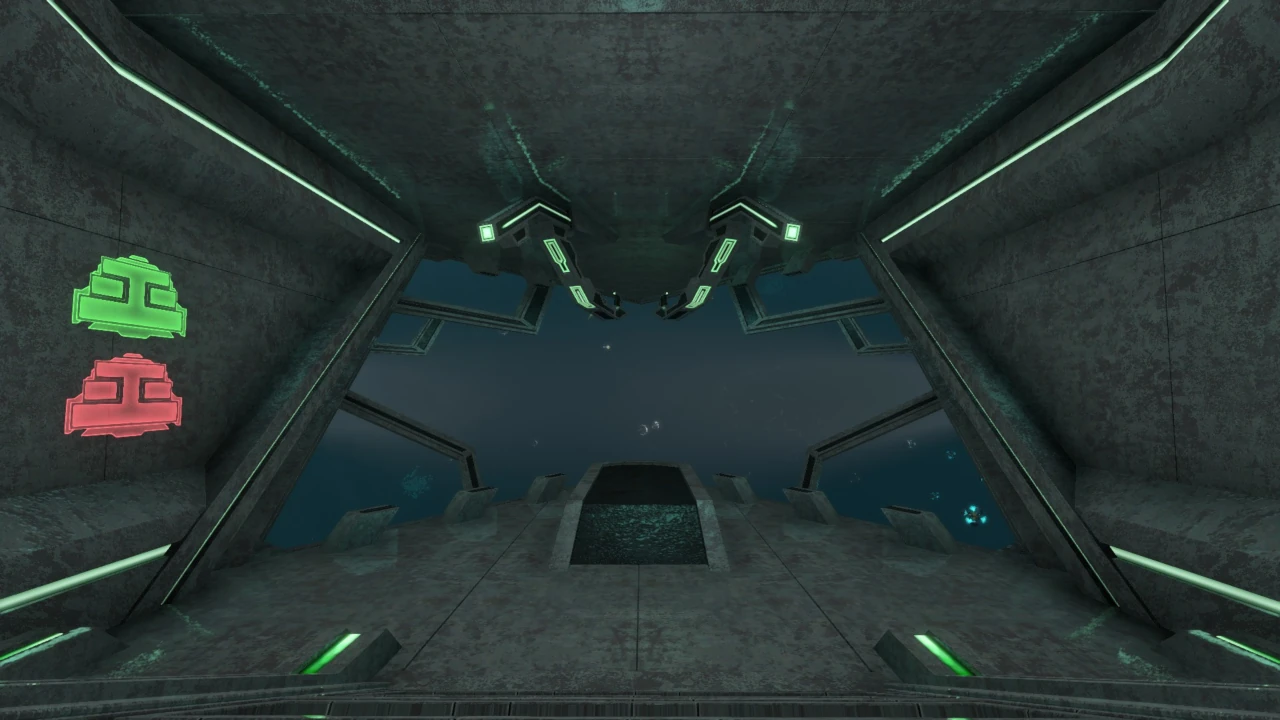
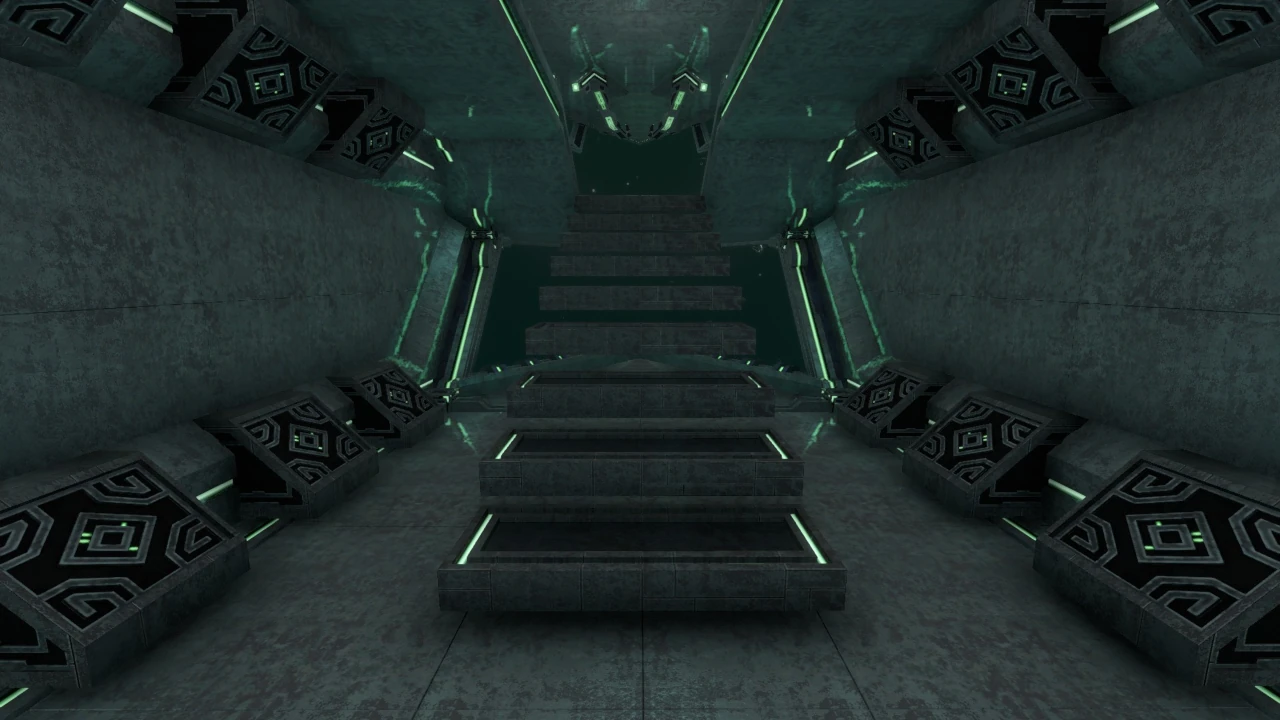
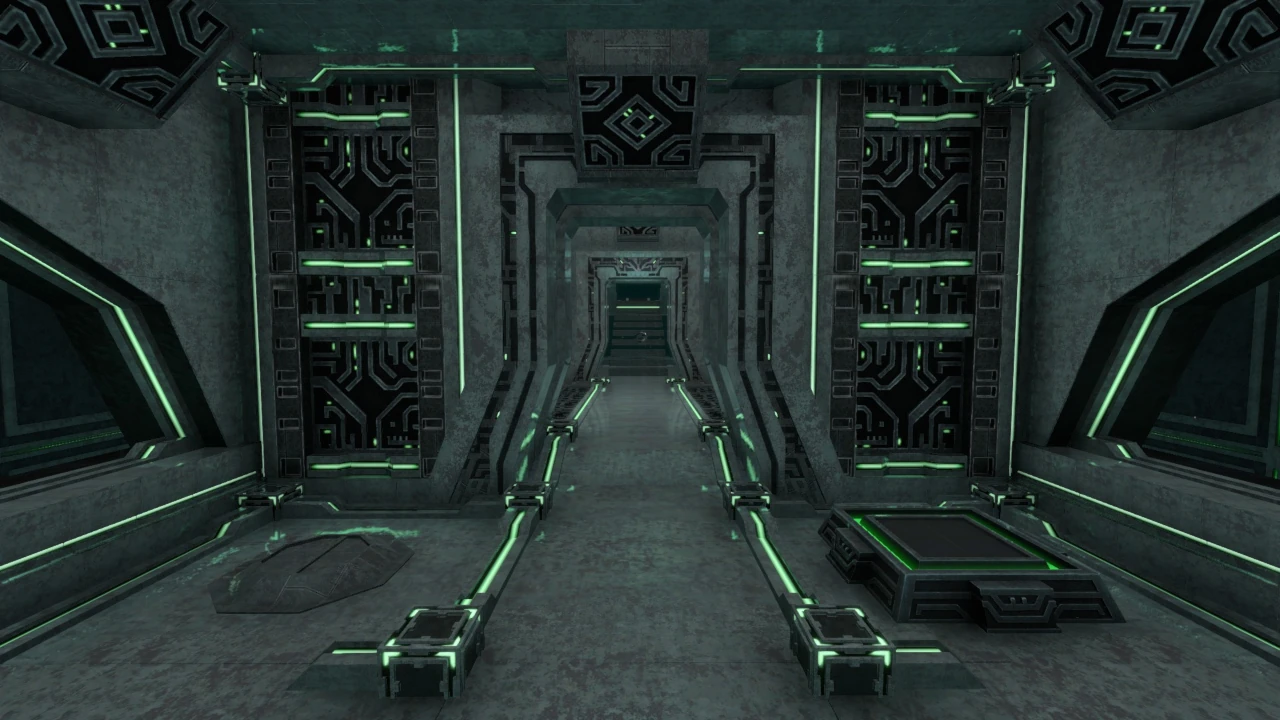
主要区画は操縦室を含む前部エリア、艦体側面の侵入口を備えた中央エリア、そしてエンジンルームへ接続するアーチや各種コンソールが設置された後部エリアの3つに分かれている。

The main section is divided into three areas: the forward bridge area, the central area containing the vessel’s side ingress points, and the aft area containing the archway to the Engine Room and several control consoles.

艦首前方の2層構造エリアには、艦の操縦を担う操作幹が設置されている。
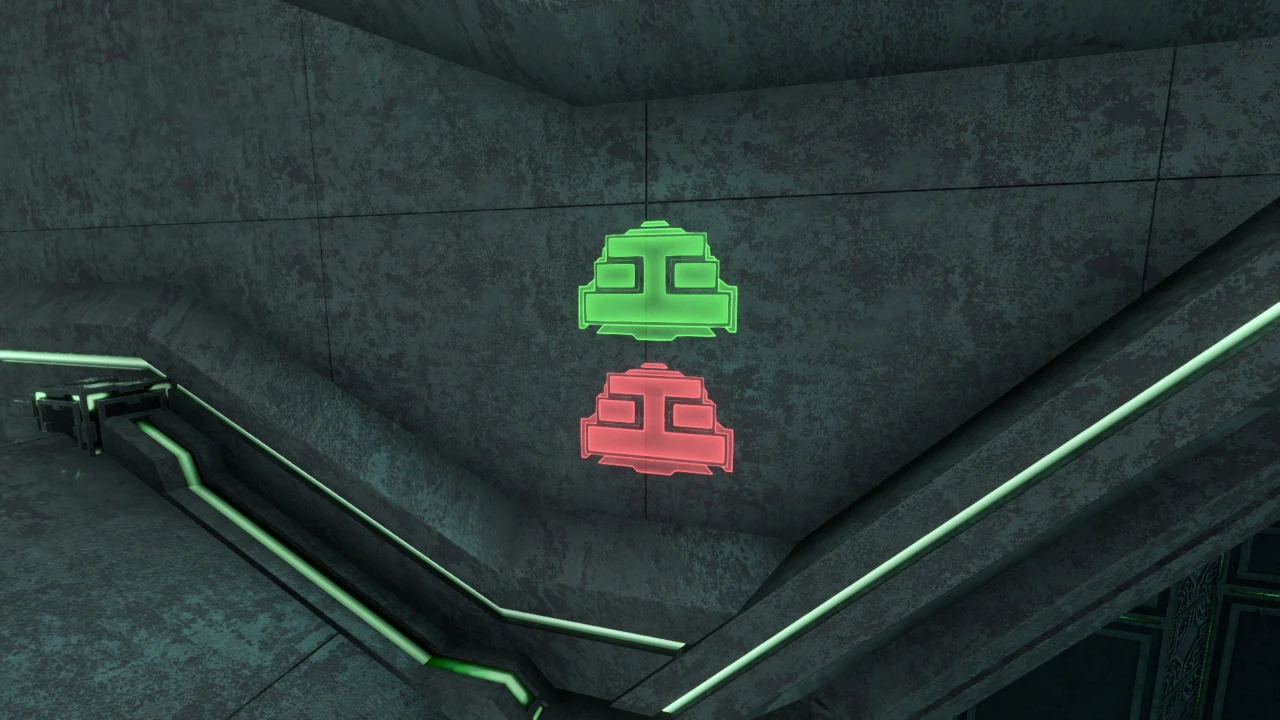
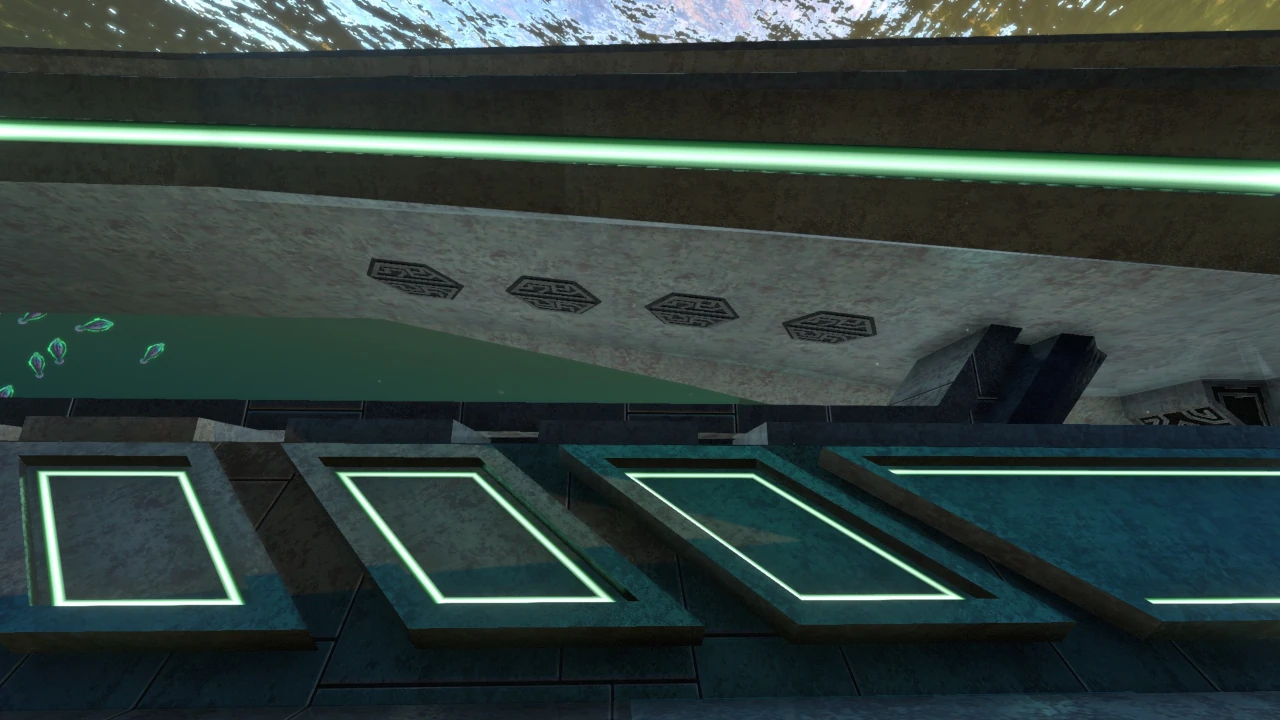
1階と2階の移動は、プレイヤーが接近すると自動的に稼働するステップによって行われる。このステップは各パネルが独立して分離・浮遊する構造となっており、使用しない際は連結して2階の床としても機能する。ステップは内壁に記された緑色のパネルを操作することでも稼働させることが可能である。

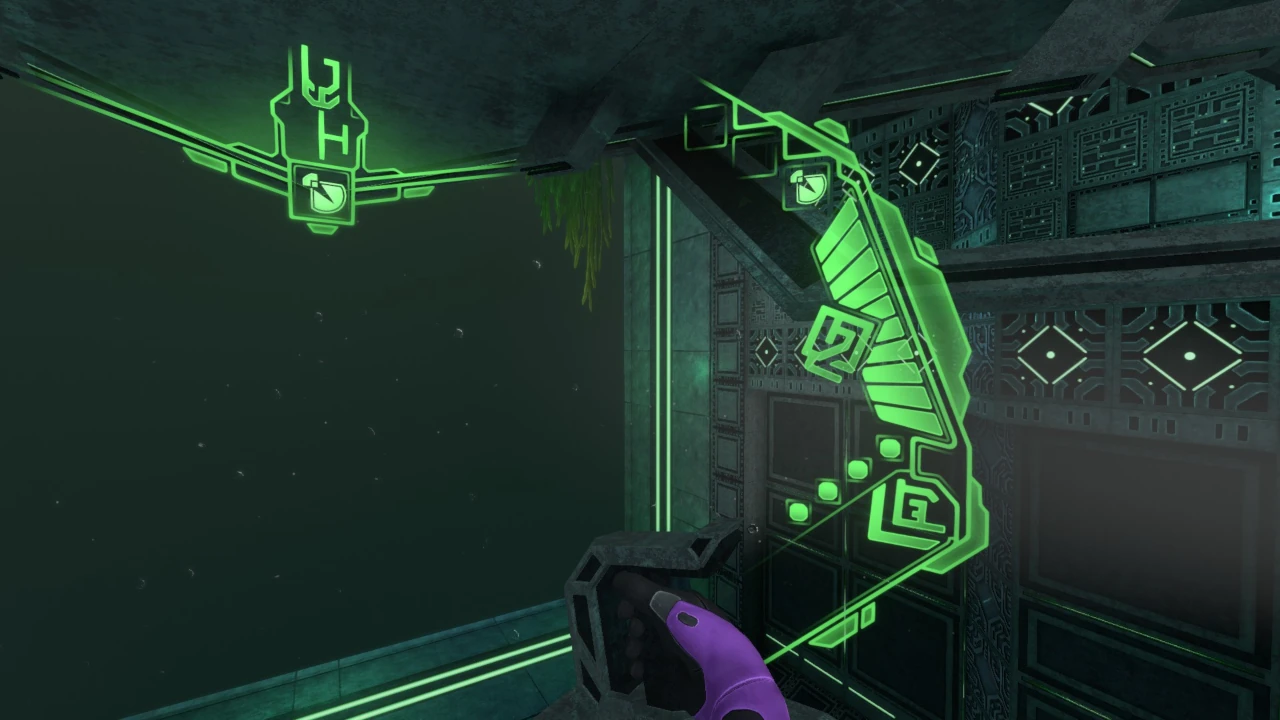
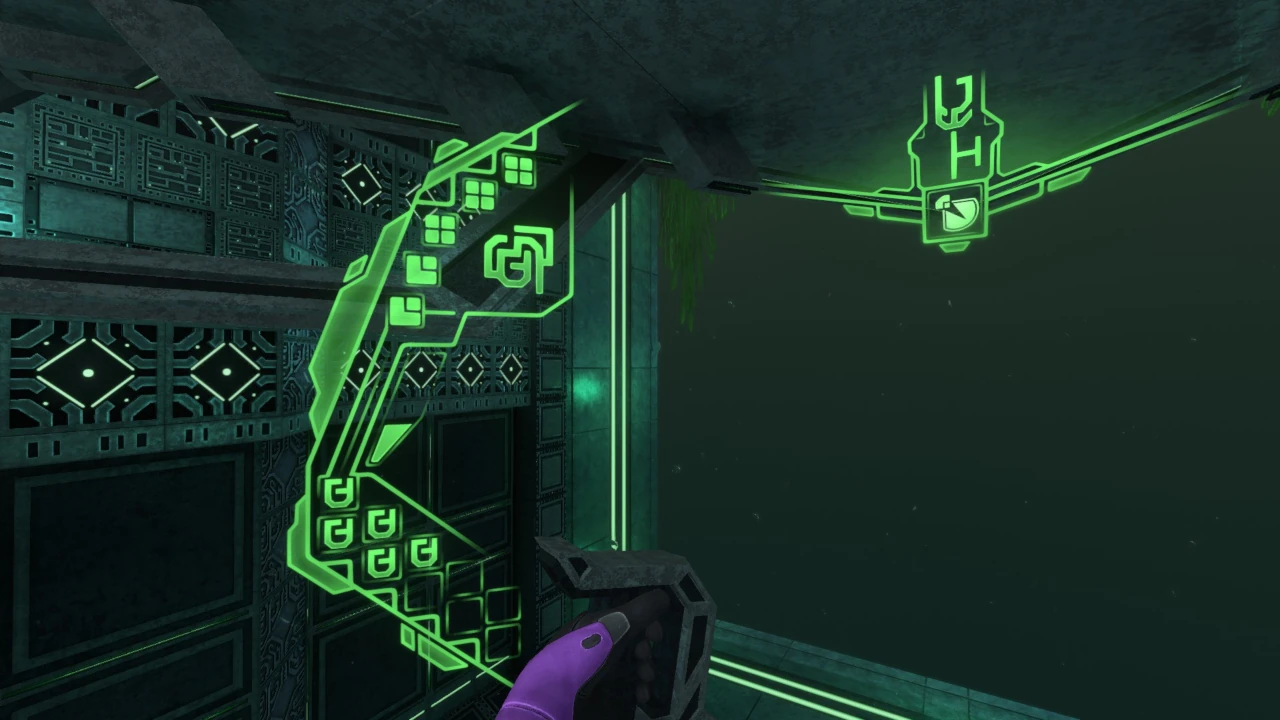
The two-level space at the bow contains the control yoke used to pilot the vessel. Movement between the first and second levels is handled by steps that activate automatically when the player approaches. Each panel separates and floats independently; when not in use, the panels reconnect and function as part of the second-floor deck. The steps can also be activated manually using the green panel mounted on the inner wall.

2階後方の壁面にはエンジンレバーが設置されており、操縦の際にはこのレバーを起動する必要がある。

An engine lever is mounted on the rear wall of the second floor and must be activated before the vessel can be piloted.

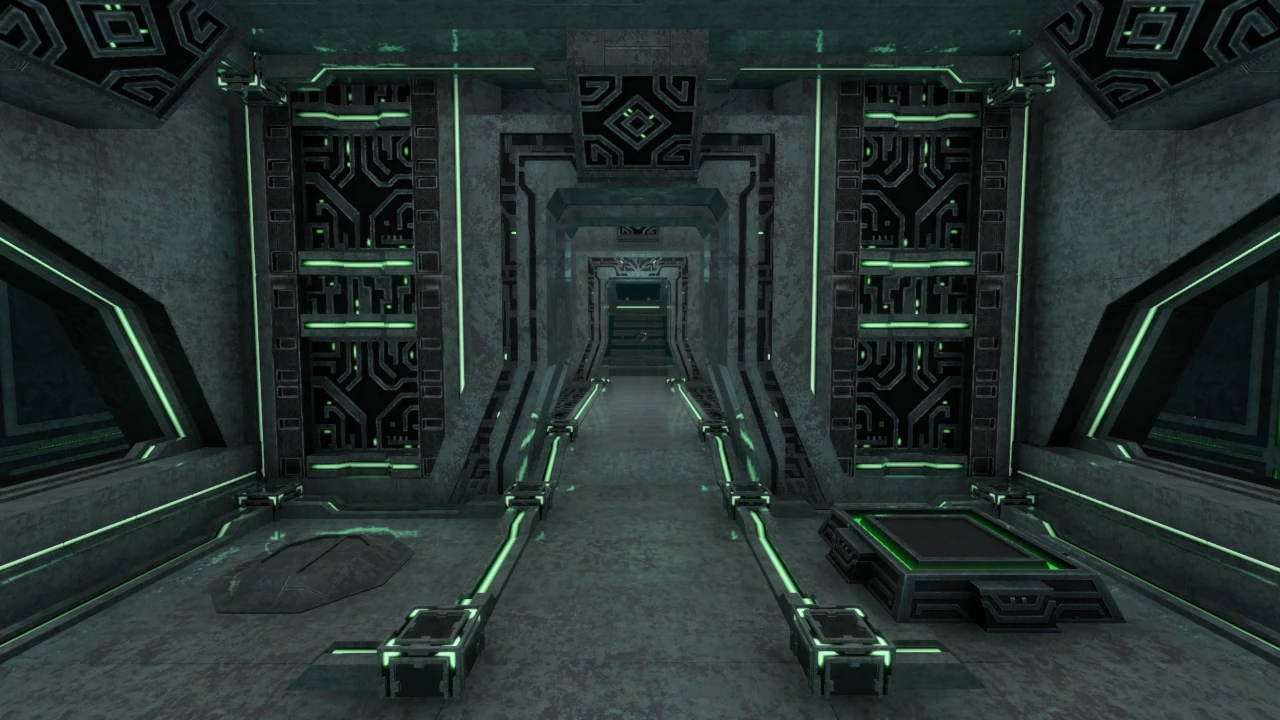
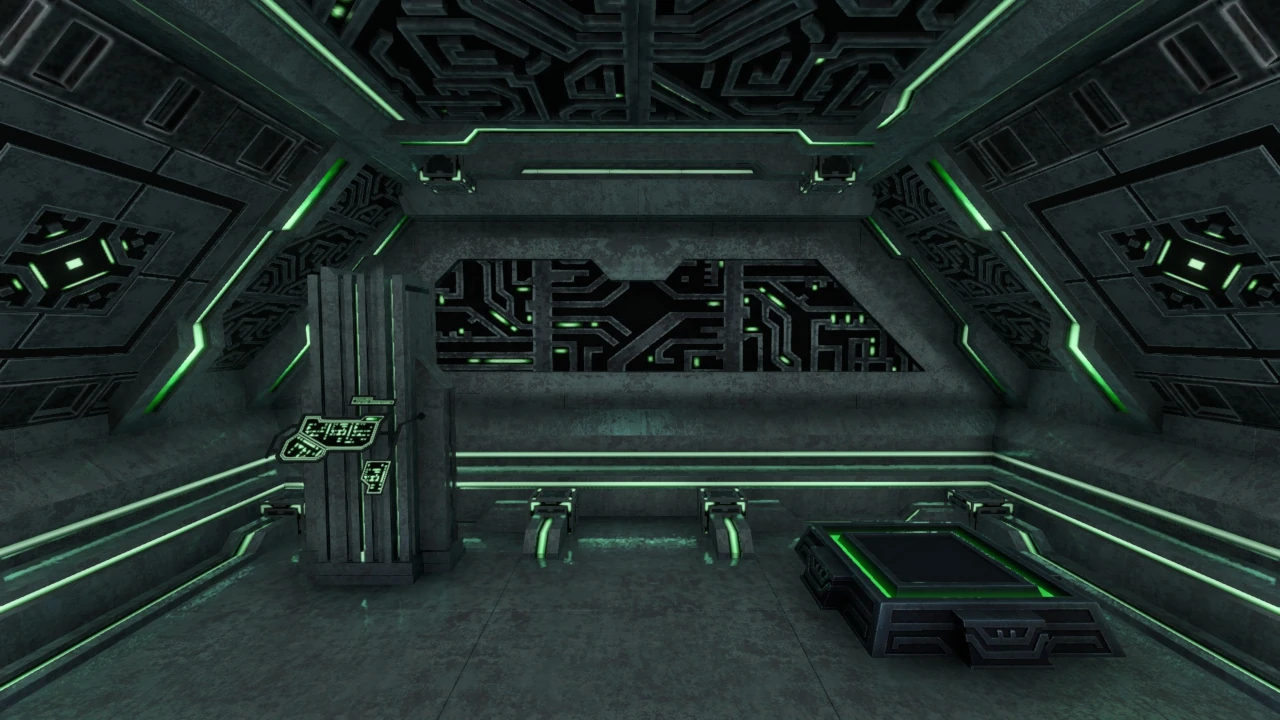
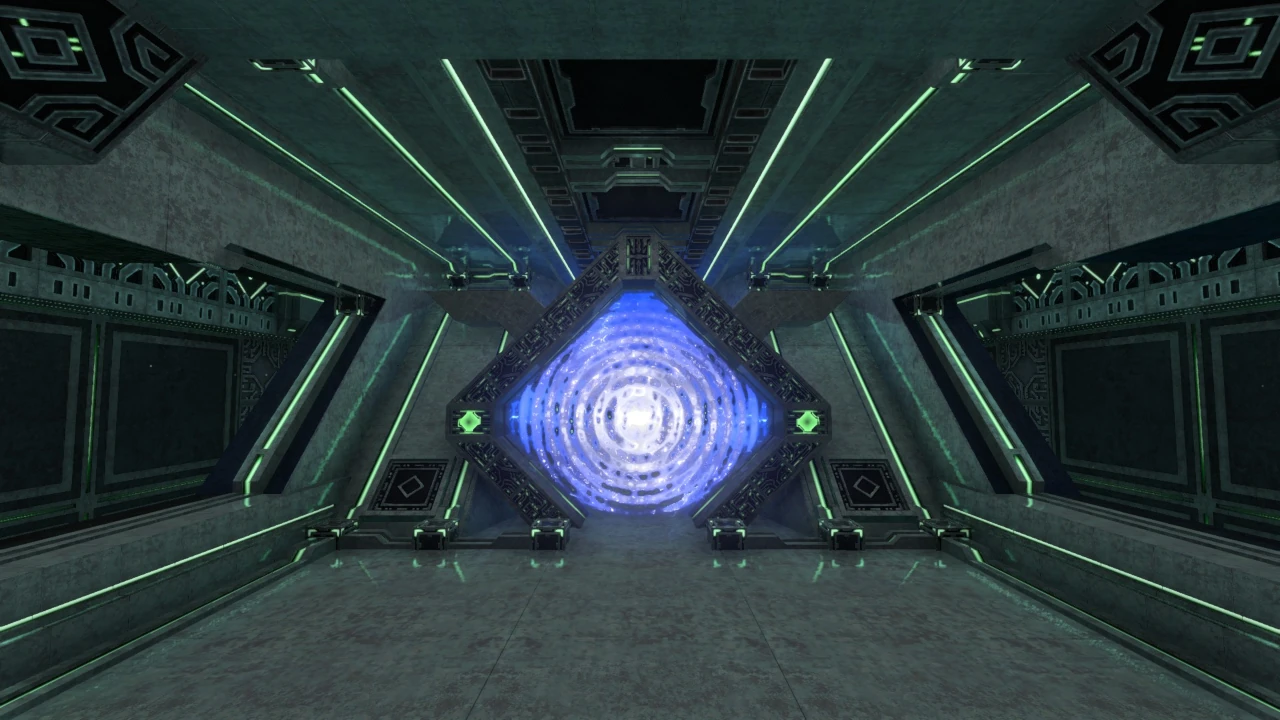
後部エリアにはエンジンルームへ接続する小型の「異星人のアーチ」が設置されており、壁際のワープパッドからは3階部分の居住区画へ転移することが可能。
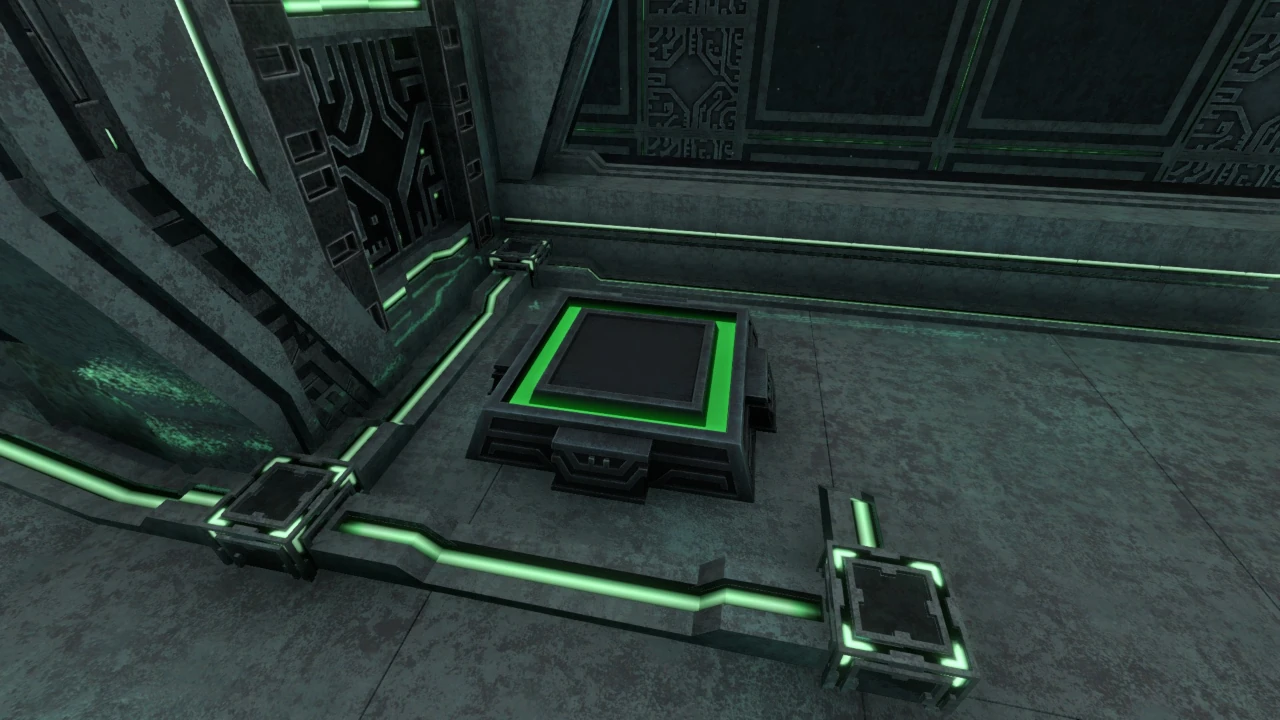
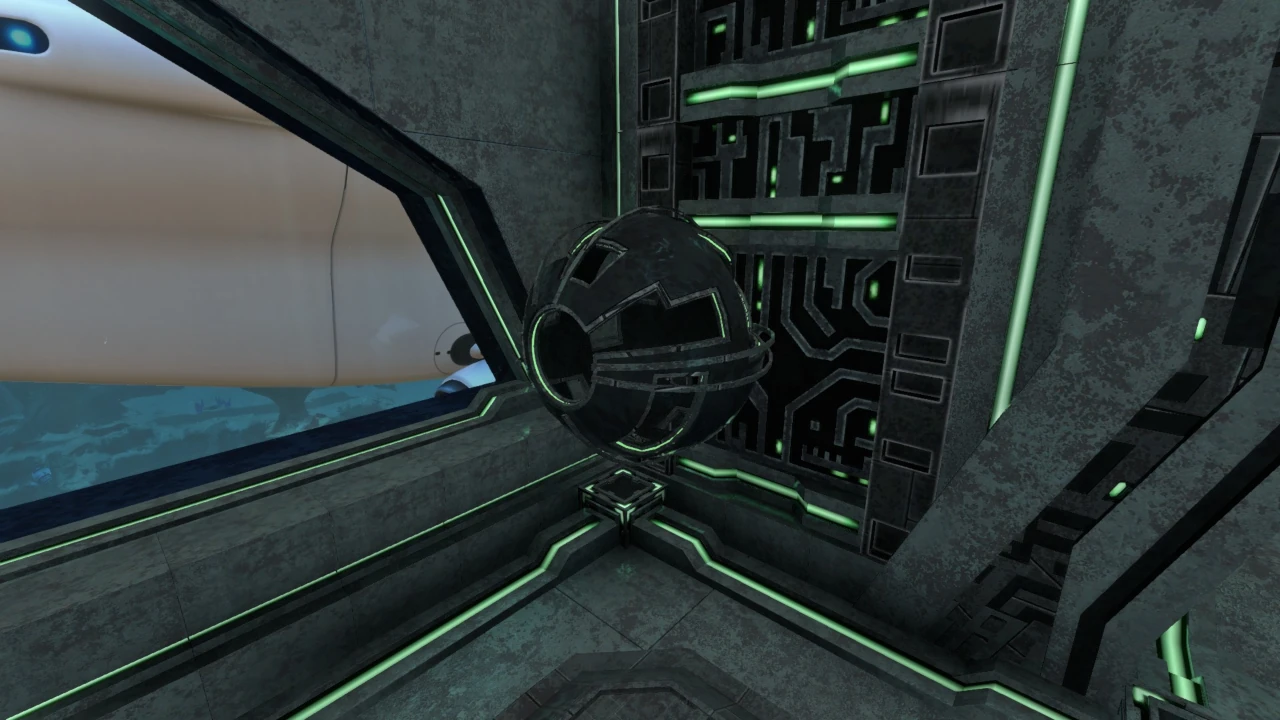
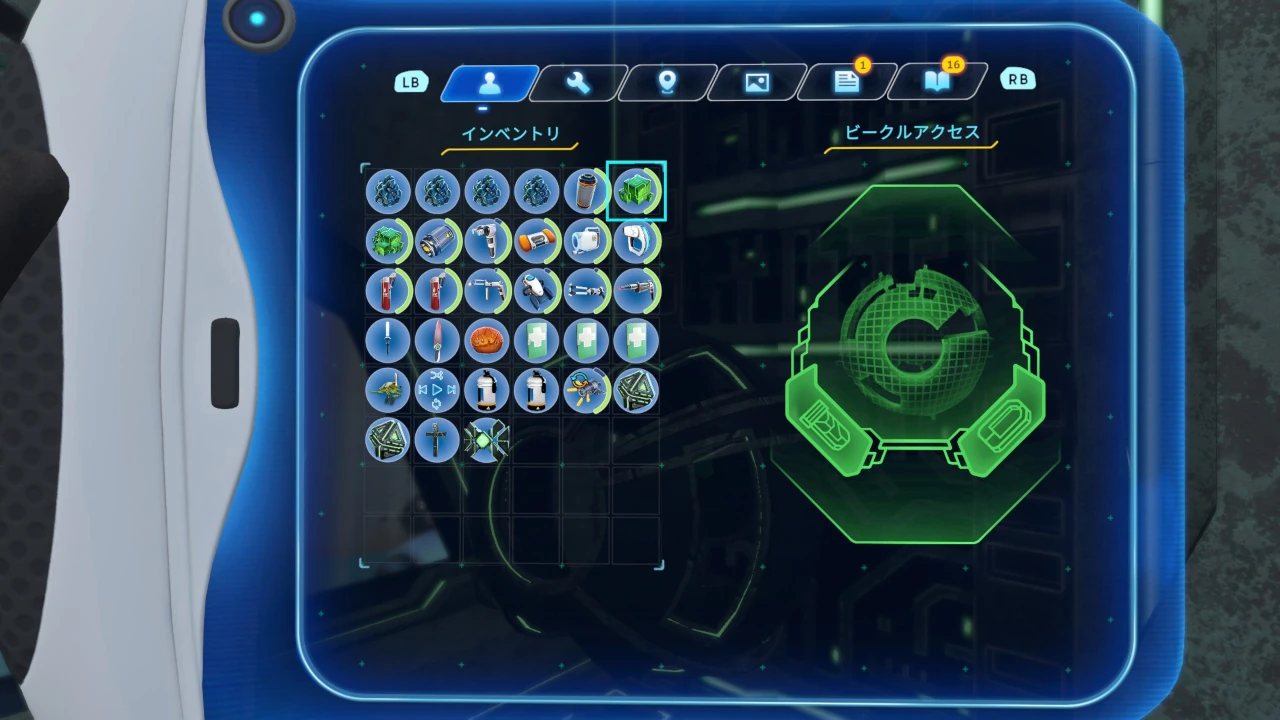
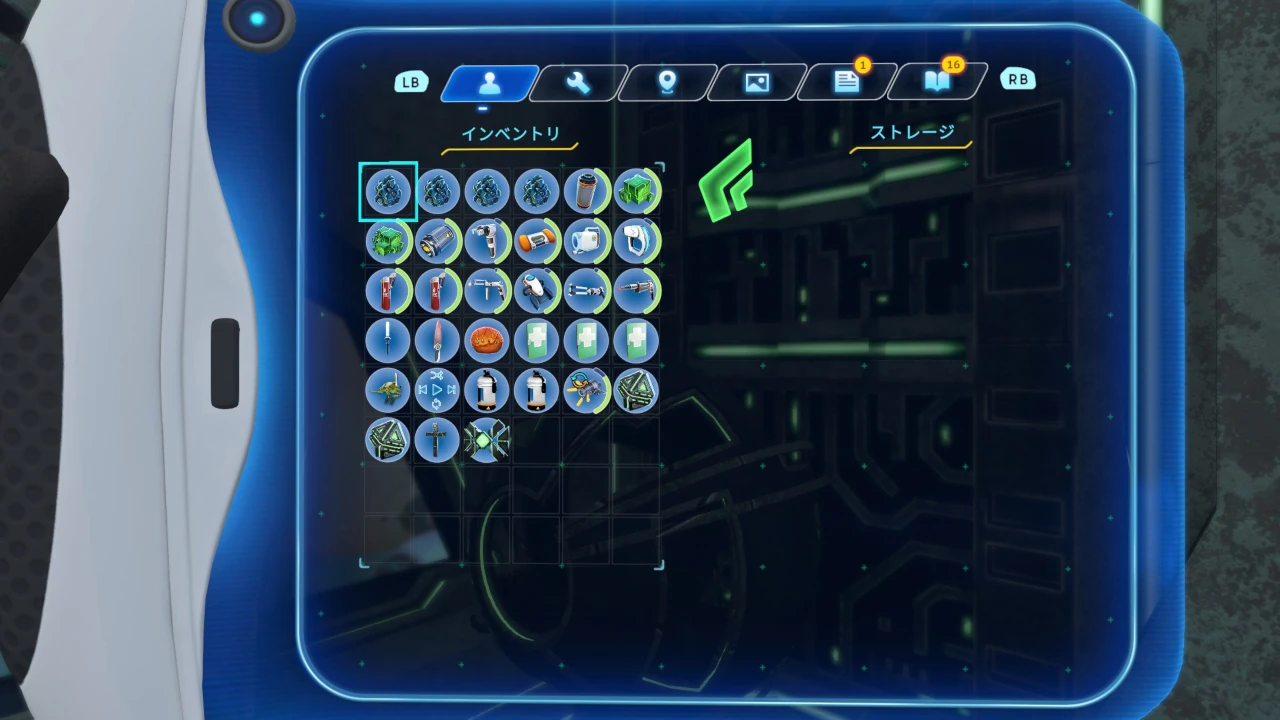
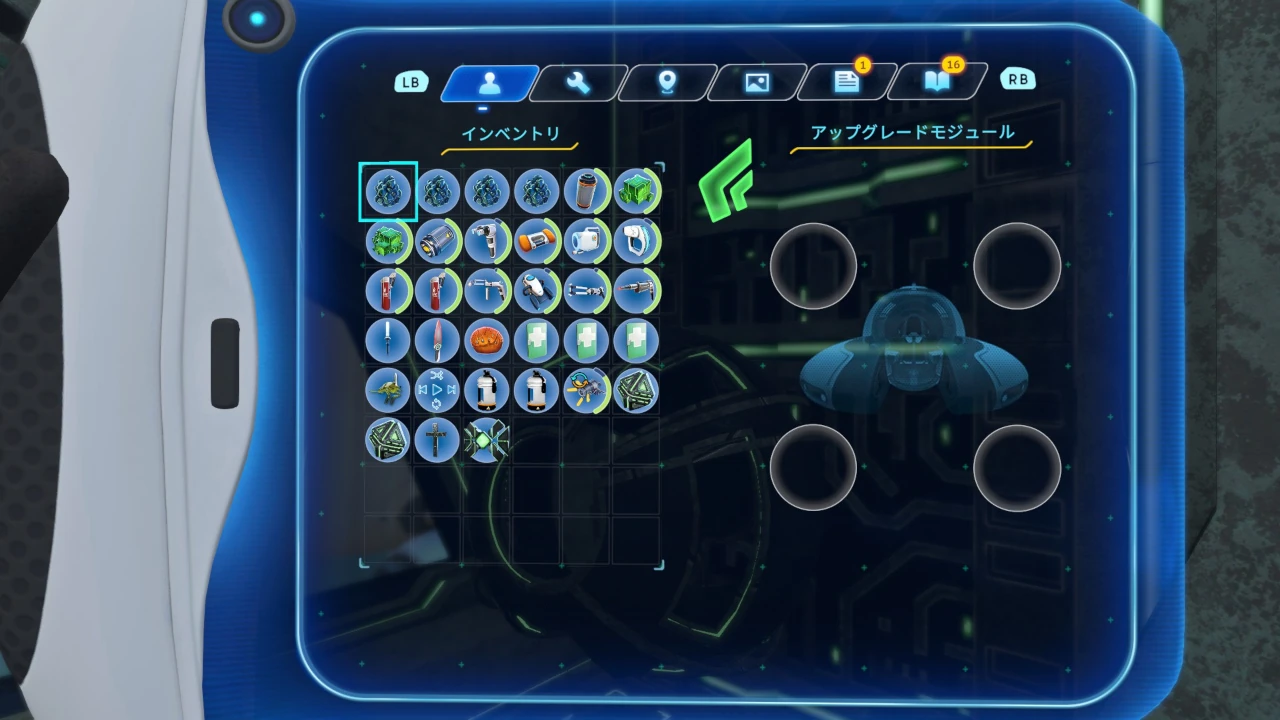
また、ワープパッドと反対側の床面には、プロトタイプにドッキングした乗り物へアクセスするためのコンソールが配置されている。乗り物がドッキングしている状態で接近すると、床面から球状の装置が浮上し、搭載した乗り物のストレージおよびアップグレードの管理を行うことができる。

The aft area contains a small alien arch linked to the Engine Room, while a wall-side warp pad transfers the player to the third-floor living quarters.
On the opposite side of the warp pad is a console used to access a vehicle docked with the Prototype. When a vehicle is present and the player approaches, a spherical device rises from the floor, allowing management of the docked vehicle’s storage and upgrades.

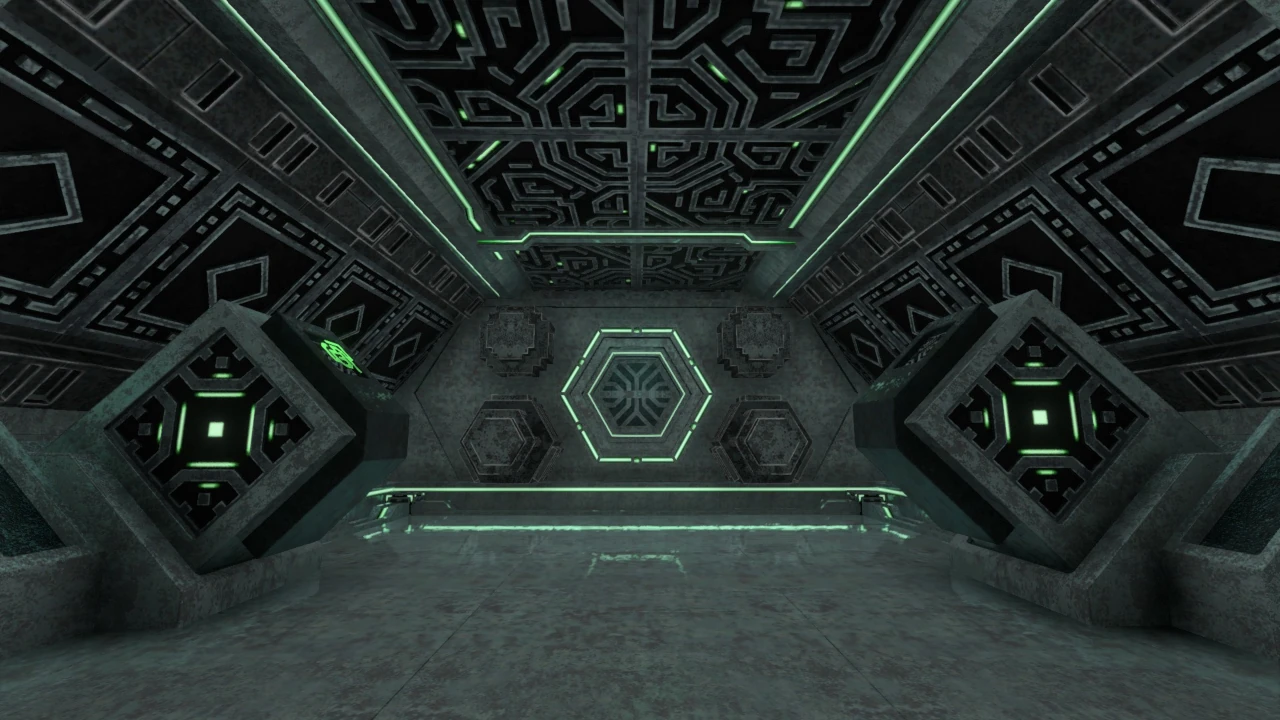
主要区画のスクリーンショット1
主要区画・前部
主要区画のスクリーンショット2
主要区画・後部

エンジンルームEngine Room

艦内2階に位置する、艦の心臓部。
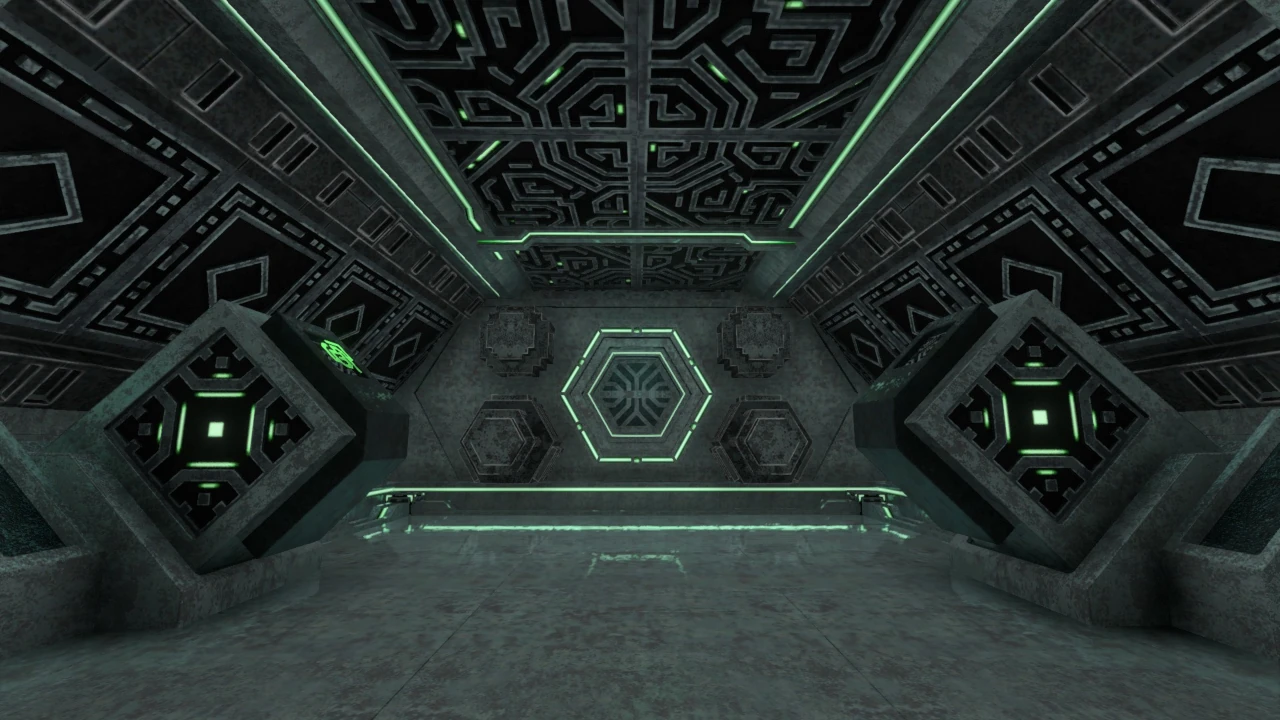
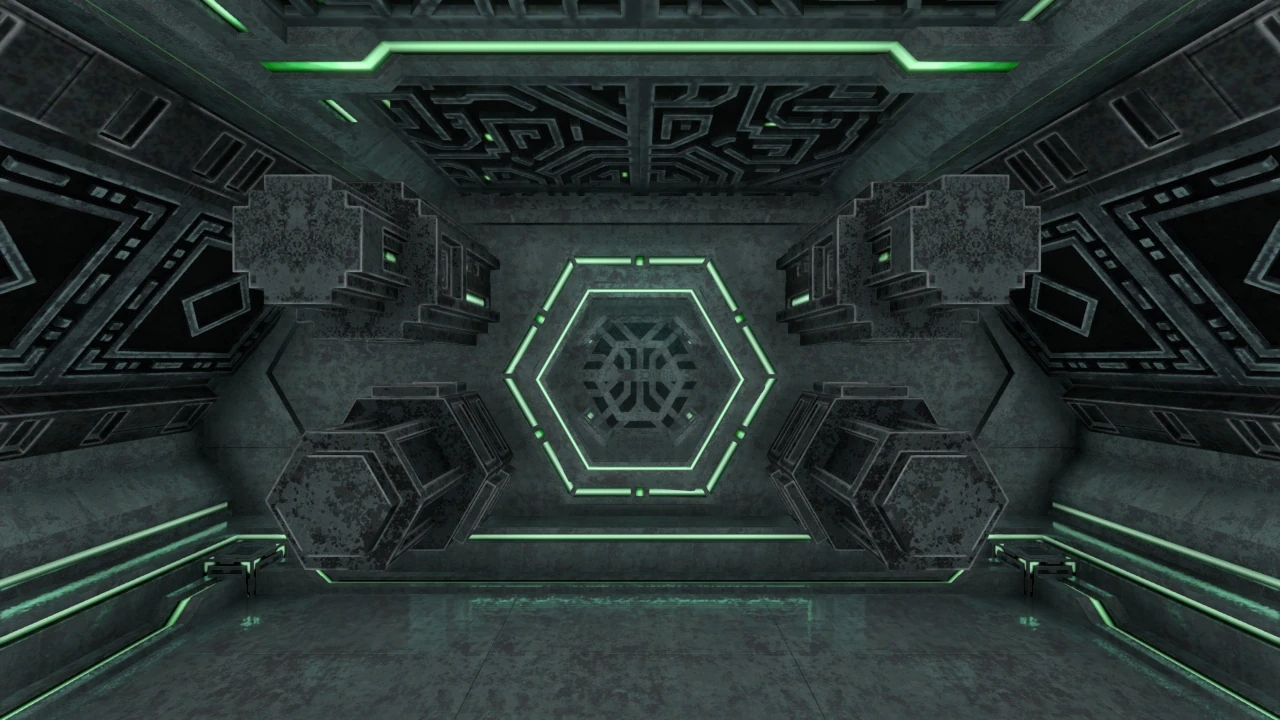
室内前方にはイオンリアクターおよび燃料投入口が配置され、左右の内壁にはピストン運動を繰り返す電源ユニットが2基設置されている。初期状態ではイオンキューブが1個投入済み。

Located on the vessel’s second floor, the Engine Room is the heart of the Prototype.
An ion reactor and fuel intake are positioned at the front, while two power units mounted along the side walls repeatedly perform a piston-like motion. One Ion Cubes are loaded by default.

電源ユニットは建造端末のコンソールから必要素材を消費することで増設可能で、増設に伴い投入可能な燃料数も増加する。最大で計6基(初期2基+追加4基)まで拡張できる。未稼働状態の電源ユニットが1基以上存在する場合、正面のリアクターに接近すると内部が展開され、投入可能なアイテムを選択できる。

Additional power units can be installed through the Construction Terminal by consuming the required materials. Each installation increases the number of fuel items that can be loaded. The system can be expanded to a maximum of six units in total: two default units and four additional units. If at least one power unit is inactive, approaching the central reactor causes it to open and allows the player to select an item to insert.

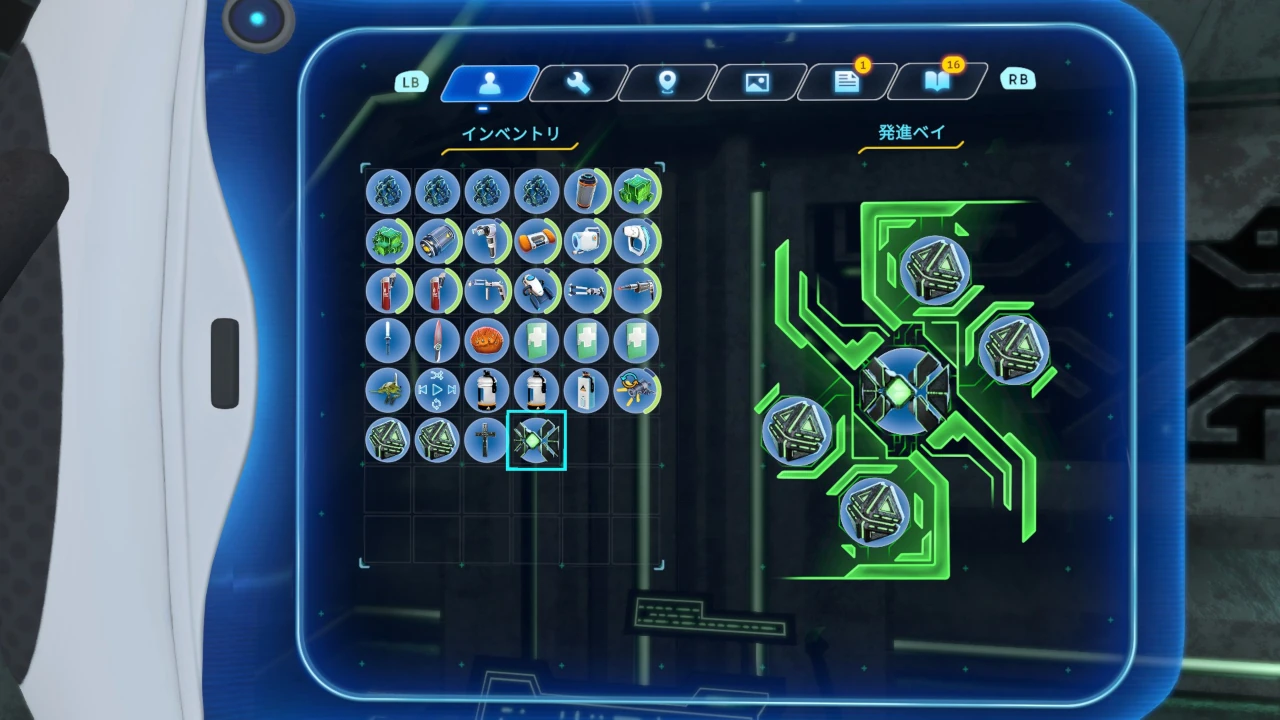
室内後方には、艦外へ投下して使用する展開式装置を装填する、発進ベイのアクセスコンソールが設置されている。デフォルトでは4基の「フォトンビーコン」が装填済みで、一定時間ごとに自動補充される仕組みとなっている。
コンソール中央には大型展開式装置用の挿入口があり、特殊な装置を装填可能。

At the rear of the room is the Launch Bay Access Console, used to load deployable devices released outside the vessel. Four Photon Beacons are loaded by default and are automatically replenished over time.
A central slot accepts larger specialized deployable devices.

リアクターのエネルギー容量は「ブロック」単位で表され、すべての燃料アイテムは同一の基準で換算される。
投入可能なアイテムは、エネルギー容量の多い順に以下の通り:

  • イオンプリズム :10ブロック
  • イオンキューブ・マトリクス :8ブロック
  • イオン施設タブレット :6ブロック
  • イオンキューブ :5ブロック
  • 充填アルマナイト :4ブロック
  • アルマナイトブロック :1ブロック

The reactor’s energy capacity is measured in “blocks,” and every compatible fuel item is converted using the same scale.
Compatible items, listed in descending order of energy capacity, are as follows:

  • Ion Prism : 10 blocks
  • Ion Cube Matrix : 8 blocks
  • Ion Facility Tablet : 6 blocks
  • Ion Cube : 5 blocks
  • Charged Almanite : 4 blocks
  • Almanite Block : 1 blocks
エンジンルームのスクリーンショット
エンジンルームへ通じる艦内アーチ
イオンリアクター・燃料投入口
室内前方・イオンリアクター(中央)と電源ユニット(左右)
エンジンルーム・発進ベイコンソール
室内後方・発進ベイコンソール(左)とワープパッド

居住区画Living Quarters

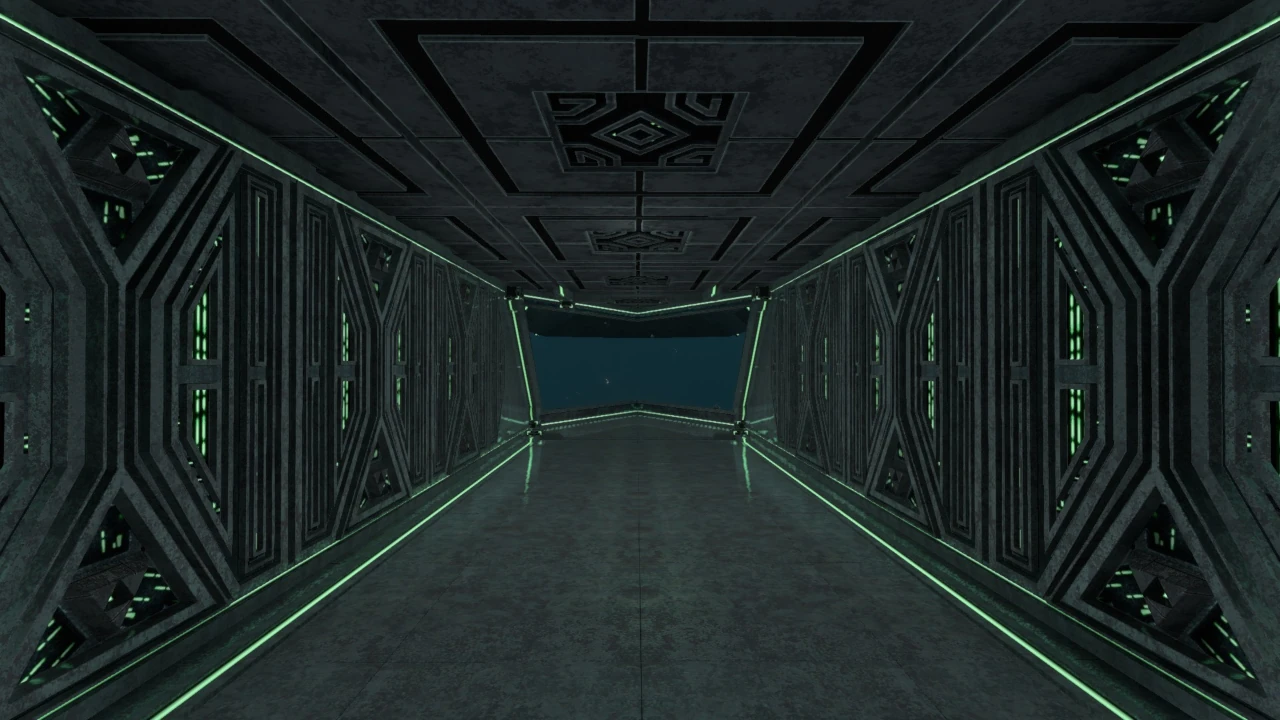
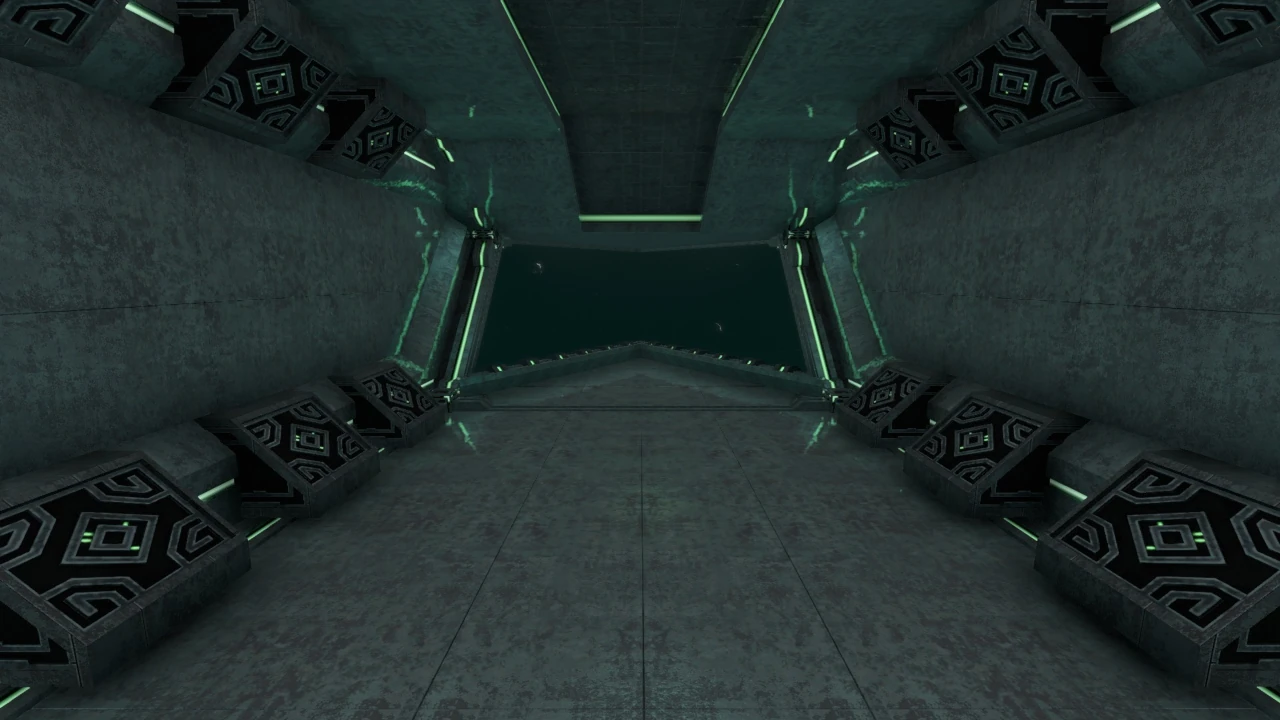
艦内3階に位置する、直線的に広がる開放空間。
前方の窓からは艦の進行方向の景色を確認できる。

The living quarters are a long, open space located on the vessel’s third floor.
The forward windows provide a view in the direction of travel.

基地内装設備を設置するのに十分なスペースが確保されているため、ベッドや屋内栽培プランター、ファブリケーター、ロッカーなどを配置し、長期航行に備えた簡易拠点として運用することも可能である。

The area offers enough space for interior base modules, allowing beds, indoor growbeds, fabricators, lockers, and other equipment to be installed. It can therefore function as a simple mobile base for long-range voyages.

警告:
壁面に設置した設備は艦体の物理演算に干渉する場合があり、予測不能な挙動や深刻な損傷を引き起こす可能性がある。内装設備を建築する際は、艦内構造物に接触しないよう十分注意すること。

Warning:
Equipment attached to the walls may interfere with the vessel’s physics, potentially causing unpredictable behavior or severe damage. When placing interior modules, ensure that they do not make contact with the vessel’s built-in structures.

居住区画のスクリーンショット
居住区画

操縦UI / Piloting UI

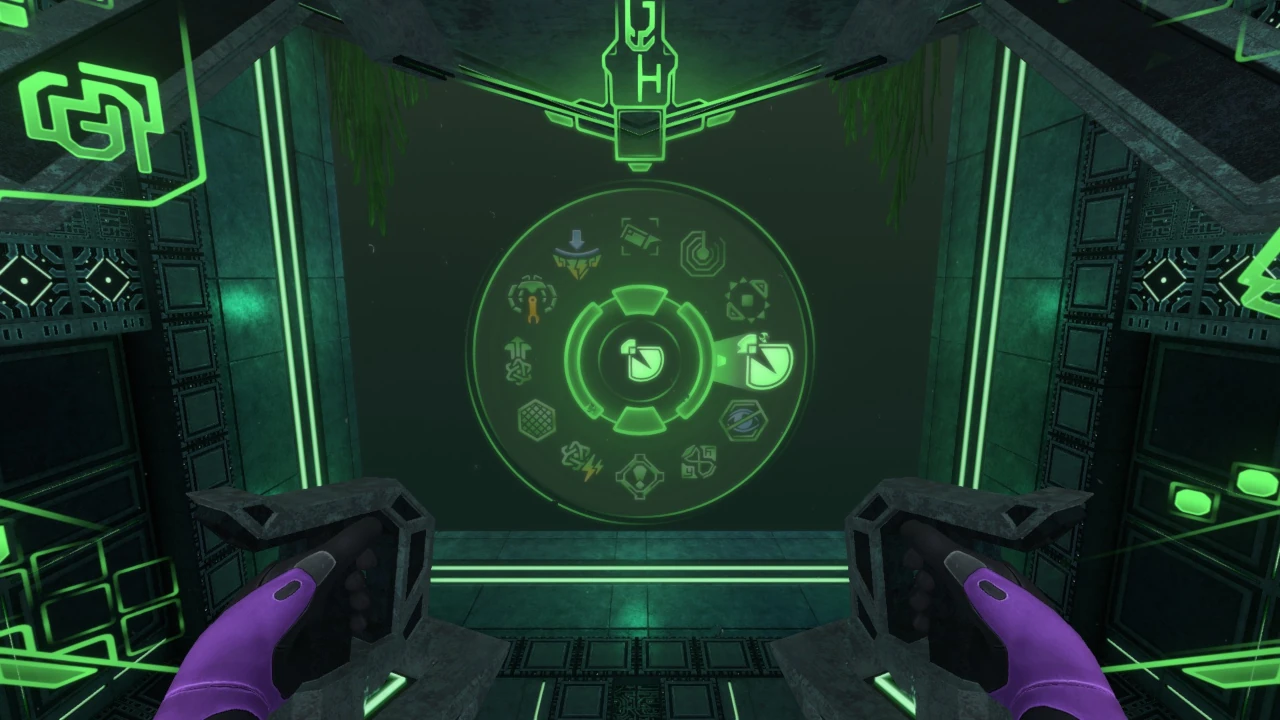
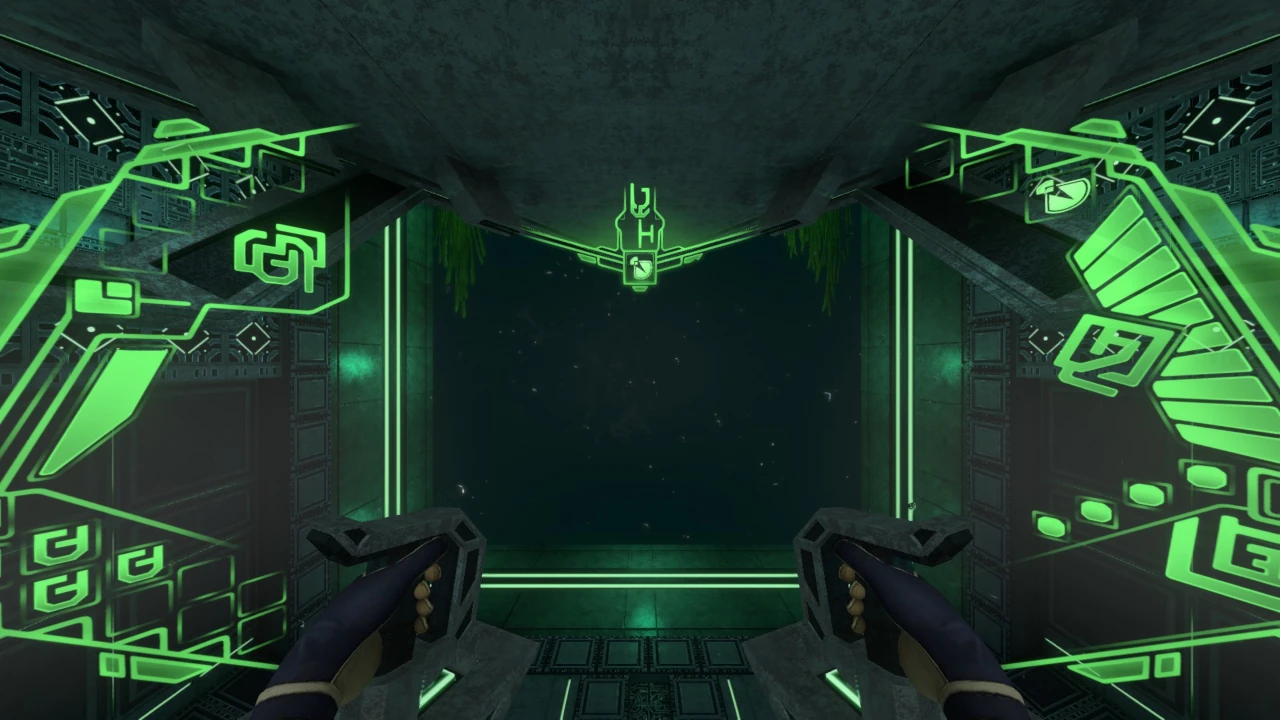
中央ラジアルメニューの表示例

正面・操縦メニュー

ラジアルメニュー
利用可能な船体機能(アップグレード)が表示される。
初期状態で使用可能なものは外部投光器・外部カメラ・ソナー・フォトンビーコン投下の4つのみ。
※ドッキングしたビークルの解放操作もここから行う。
選択中の機能
選択中のアップグレードのアイコンが表示される。
方角表示
艦の向いている方角。

Front — Piloting Menu

Radial Menu
Displays all currently available vessel functions (upgrades). Initially, only four functions are available: exterior floodlights, external camera, sonar, and Photon Beacon deployment.
※ A docked vehicle is also released from this menu.
Selected Function
Displays the icon of the currently selected upgrade.
Heading Display
Shows the direction in which the vessel is facing.
プロトタイプ潜水艦の深度計表示

深度計

プロトタイプの深度計は、画面上部に表示される標準的な深度表示とは異なり、水深を数値で示すのではなく、船体の耐圧限界に対する現在深度の割合をバーの本数で表す方式である。左右に表示されたバーは最大10段階で、水深が一定値を超えるごとに1段階ずつ点灯する。

例えば耐圧限界が1,000mの場合、100mごとに1段階ずつ増加し、全てのバーが点灯している状態は限界深度に到達していることを意味する。
なお、深度は船体1階部分を基準に判定されており、プレイヤーが1階に降りた際の深度がそのまま艦の深度として扱われる。

Depth Gauge

Unlike the standard numerical depth display at the top of the screen, the Prototype’s depth gauge represents the vessel’s current depth as a proportion of its crush-depth limit using illuminated bars. The bars displayed on both sides have ten stages, with one additional stage lighting up whenever a set depth threshold is crossed.

For example, with a crush-depth limit of 1,000m, one stage lights up for every 100m descended. When all bars are illuminated, the vessel has reached its crush-depth limit.
The vessel’s depth is measured using the first floor of the hull as the reference point; the depth shown when the player descends to the first floor is treated as the vessel’s current depth.
右側ステータス表示

右側・ステータス表示

①使用中アップグレード
現在使用中の機能が表示される(左図は外部投光器を使用中)。
同時使用数の上限は3つ(外部投光器・外部カメラを含む)。
②耐久値
艦の耐久値。攻撃などで損傷すると減少し、0になると破壊される。
③騒音
艦が発生させる騒音の度合い。航行や一部アップグレードの使用で増大する。

Right Side — Status Display

① Active Upgrades
Displays the functions currently in use; the example image shows the exterior floodlights active.
A maximum of three functions may be used simultaneously, including the exterior floodlights and external camera.
② Hull Integrity
Shows the vessel’s hull integrity. It decreases when the vessel is damaged and the vessel is destroyed when it reaches 0.
③ Noise
Shows the amount of noise produced by the vessel. It increases while traveling and when certain upgrades are active.
左側エネルギー表示

左側・エネルギー表示

①投入済み燃料数
リアクターに投入した燃料アイテムの個数を示す。
最大投入数は6、画面に表示される個数は5つまで。
②現在消費中ブロックのエネルギー残量
下部のエネルギーブロック1つ分の残量を示すメーター。
メーターが0になると、下部ブロックが1つ減少する。
③エネルギーブロック
各燃料アイテムが持つ総エネルギー量をブロック単位で表示する。
表示例:・イオンキューブ = 5ブロック
    ・イオンプリズム = 10ブロック

Left Side — Energy Display

① Loaded Fuel Items
Shows the number of fuel items loaded into the reactor.
Up to six items may be loaded, though only five are displayed on the interface.
② Remaining Energy in the Active Block
A meter showing the remaining energy in the currently consumed block. When it reaches 0, one block is removed from the display below.
③ Energy Blocks
Displays the total energy capacity of each fuel item in blocks.
Examples: ・Ion Cube = 5 blocks
     ・Ion Prism = 10 blocks

アップグレード一覧 / Sub Upgrades

運用上の注意 / Operational Notes

建造直後の耐圧深度は600mに留まり、防衛機能も未実装の状態である。そのため、大深度への航行や敵対的なリヴァイアサンとの交戦は原則として避けるべきである。

Immediately after construction, the vessel has a crush depth of only 600m and no defensive functions installed. Deep-water operation and confrontations with hostile Leviathan-class lifeforms should therefore be avoided.

MODストーリーで訪れる4つの施設―― イオンリアクター試験施設ワープ技術開発施設防衛技術研究施設プロトタイプ管理施設―― において、様々な機能を追加する各種アップグレード設計図を解放可能。特に、防衛技術研究施設では強力な防衛機能を複数入手できるため、本格的な長距離航行はこれらを装備した後に行うのが望ましい。

Upgrade schematics that add a wide range of functions can be unlocked at the four facilities visited during the MOD’s story—the Ion Reactor Testing Facility, Warp Technologies Development Facility, Defensive Technologies Research Facility, and Prototype Administrative Facility. The Defensive Technologies Research Facility in particular provides several powerful defensive systems, so serious long-range voyages are best attempted only after these upgrades have been installed.

現時点で実装されている全アップグレードを装備した場合、速度・耐圧深度・耐久性・防衛能力のすべてにおいてサイクロプスを凌駕する。一方で、完全性能を引き出すには多数の希少素材と一定の習熟が必要となる。

With every currently implemented upgrade installed, the Prototype surpasses the Cyclops in speed, crush depth, durability, and defensive capability. However, achieving its full potential requires numerous rare materials and a degree of familiarity with its systems.

本艦は全長・全幅ともにサイクロプス級潜水艦を上回る大型艦であるが、クレーター最深部のバイオームである溶岩湖への航行が可能。ただし、狭所では艦体サイズゆえに慎重な操縦が求められる。

Although the vessel exceeds the Cyclops in both length and width, it can still navigate to the Lava Lakes, the deepest biome within the crater. Its size nevertheless demands careful piloting in confined spaces.

なお、船体の横方向への移動については、通常時はサイクロプスと同様、船体中央を軸とした旋回操作のみが可能である。ただし、Fキーを押すことで「ストレイフモード(平行移動モード)」へ切り替えることができる。このモードでは船体の向きを維持したまま左右へ移動できるため、狭い場所での位置調整や、施設・地形への接近時に有用である。

As for lateral movement, the submarine normally handles like the Cyclops, allowing only turning around the center of the hull. However, pressing the F key switches the vessel into “strafe mode.” In this mode, the submarine can move left and right while maintaining its current facing direction, making it useful for fine positioning in confined areas or when approaching facilities and terrain.

サイクロプスと同様に、本艦も外敵からの攻撃、あるいは一部アップグレード使用時に発生する過負荷によって外装損傷や艦内火災が発生する可能性がある。
外部損傷はリペアツールによる手動修復が必要。ただし、メンテナンスボットのアップグレードを実装することで、追加のエネルギー消費と引き換えに修復作業を自動化できる。

Like the Cyclops, the Prototype may suffer external hull damage or onboard fires as a result of hostile attacks or overloads caused by certain upgrades.
External damage must normally be repaired manually with a Repair Tool. Installing the Maintenance Bot upgrade allows this work to be automated in exchange for additional energy consumption.

本艦運用上の最大の注意点は、必ず複数の消火器を携行することである。サイクロプスとは異なり、艦内に消火器は標準装備されていない。
アップデートで自動消火システムが実装されたものの、システム稼働中は操縦室への昇降ステップがロックされ、艦内の移動が不可能になる。小規模な火災の対策として、艦内には消火器を複数個保管したロッカーを設置しておくことを推奨する。

The most important operational precaution is to carry multiple fire extinguishers at all times. Unlike the Cyclops, the Prototype does not include fire extinguishers as standard equipment.
An automatic fire-suppression system was added in an update, but while it is active, the bridge access steps are locked and movement through the vessel becomes impossible. For smaller fires, it is recommended that a locker containing several extinguishers be installed inside the vessel.

なお、本艦は破壊された場合でも建造端末から即時再建造が可能であり、艦体状態およびアップグレード構成は破壊直前の状態が再現される。
プレイヤーが追加設置した内装設備・ロッカー内の資材に至るまで全て復元されるが、リアクターに投入した燃料アイテムはデフォルトのイオンキューブ×1を除き消失する。

Even if the vessel is destroyed, it can be reconstructed immediately through the Construction Terminal. Its hull condition and installed upgrade configuration are restored to their state immediately before destruction.
Player-installed interior modules and materials stored inside lockers are also restored; however, all fuel loaded into the reactor is lost except for the one default Ion Cubes.
ギャラリー / Gallery

余談 / Trivia